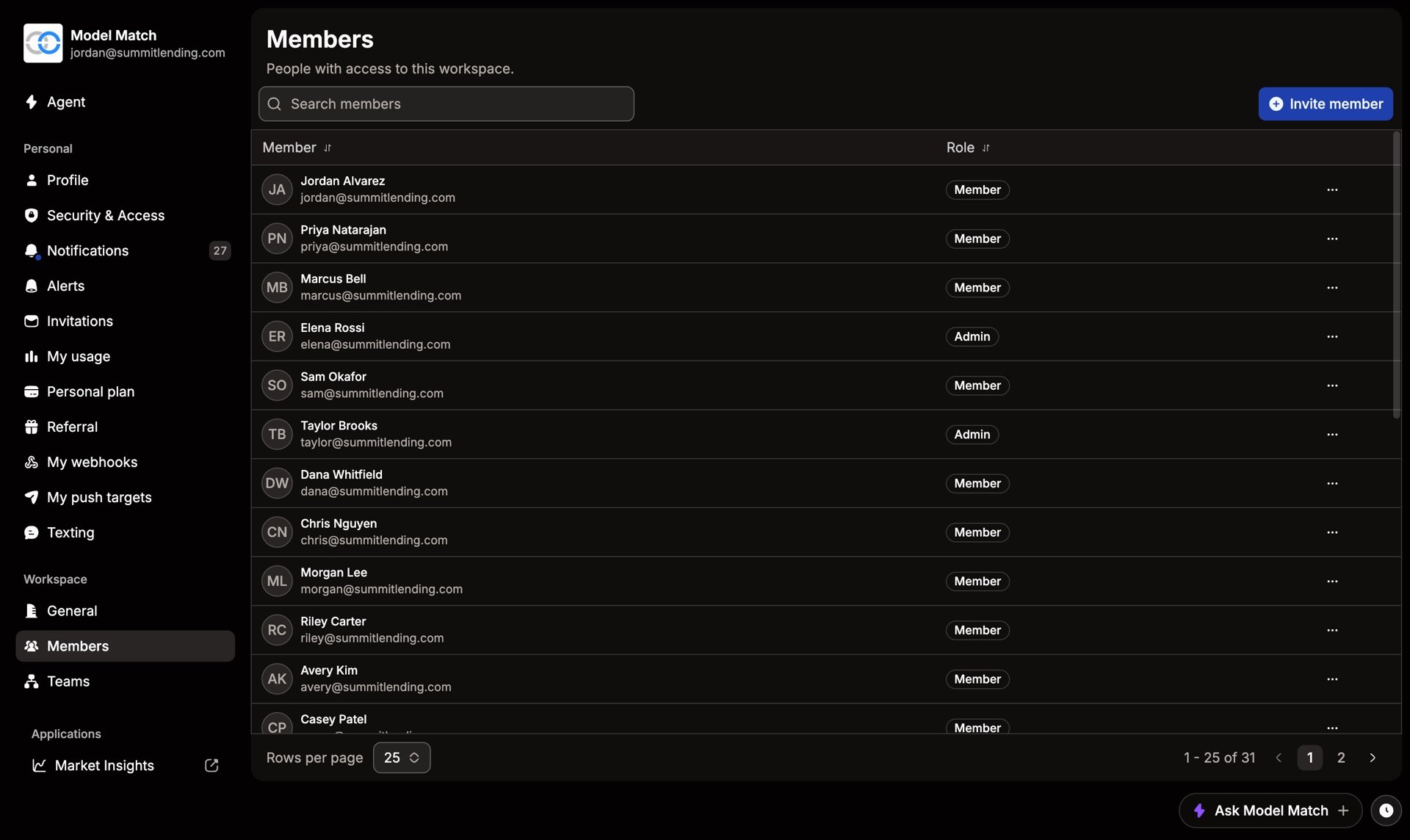
Members are the people in your workspace. Admins and Owners manage them from Settings › Members.
Invite someone
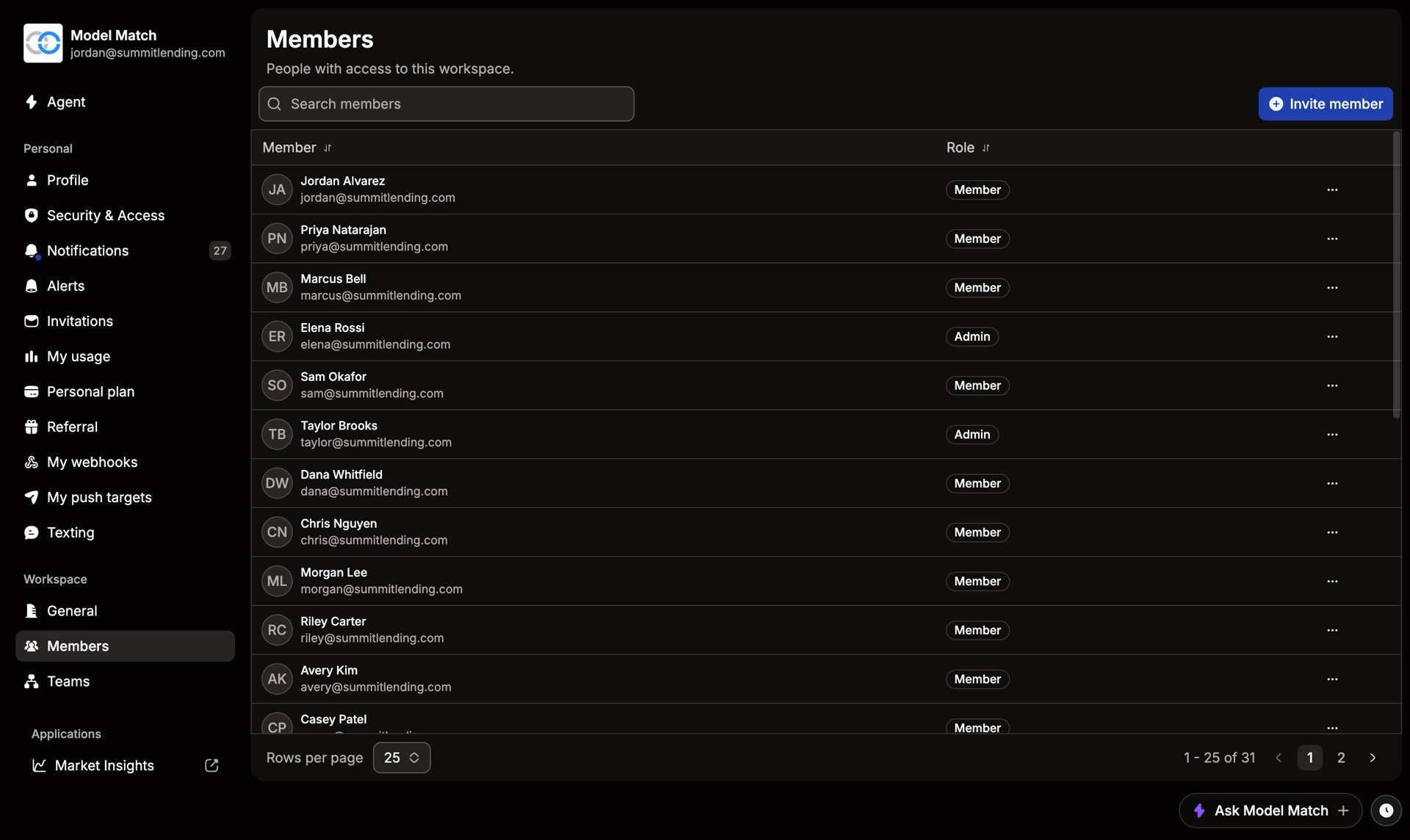
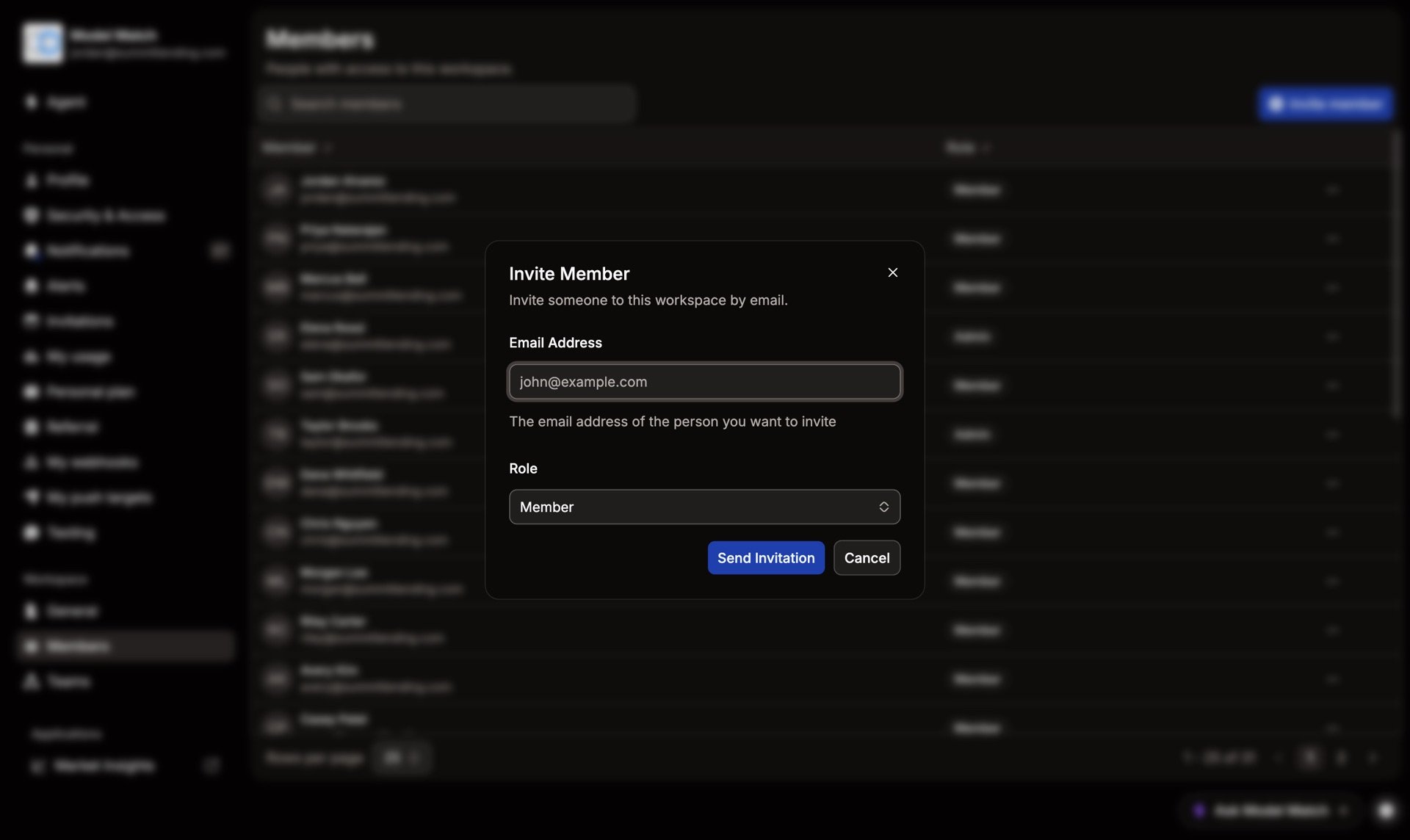
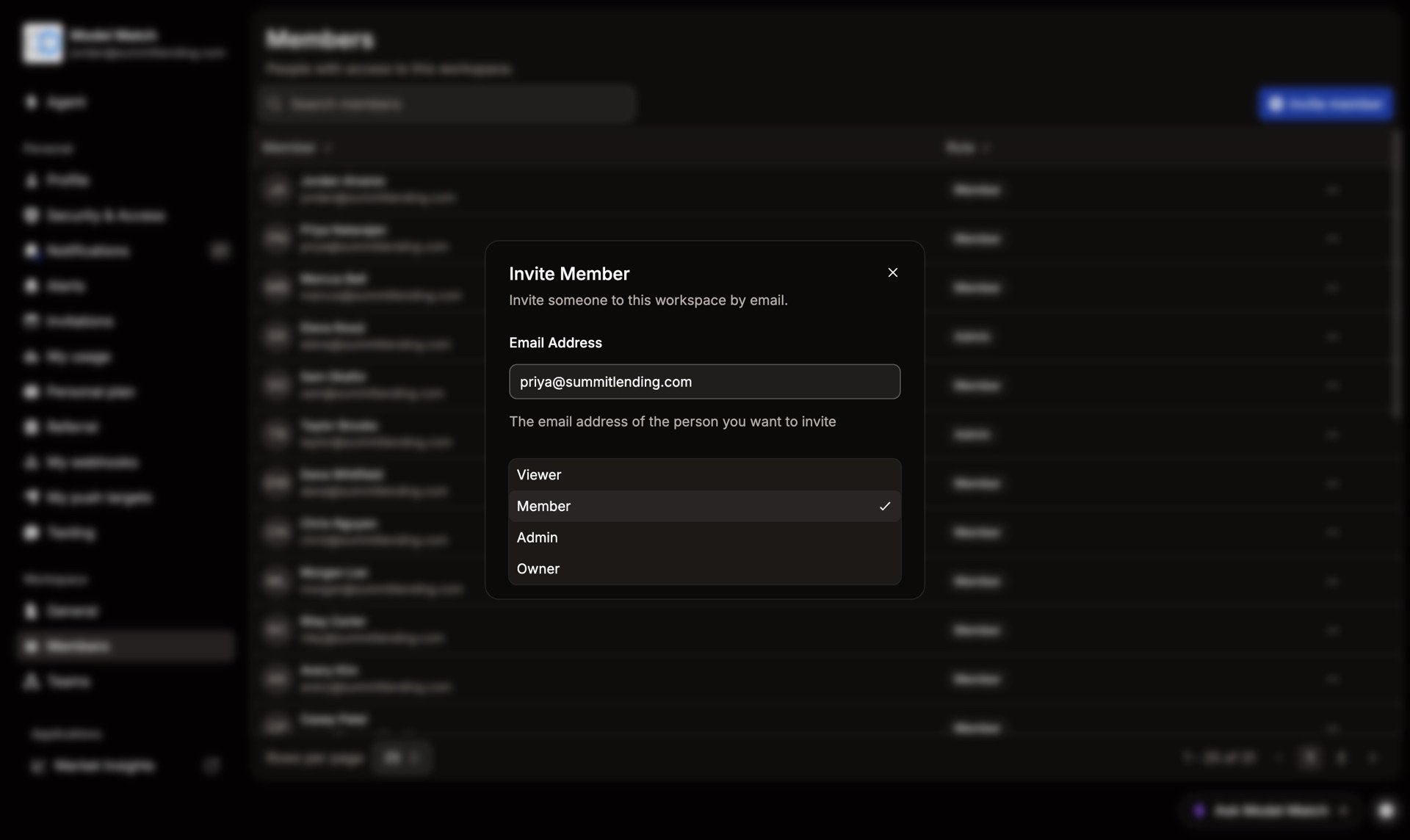
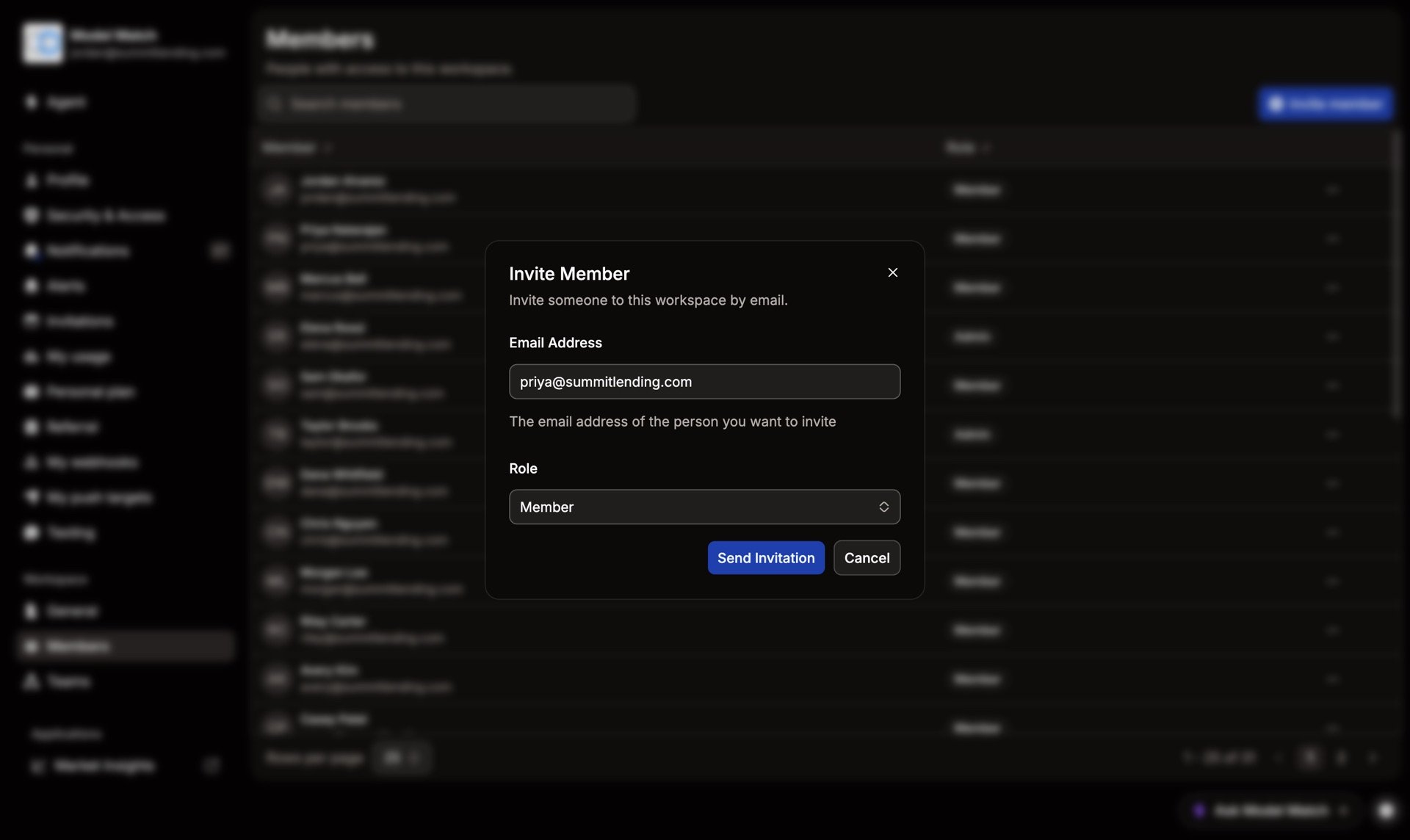
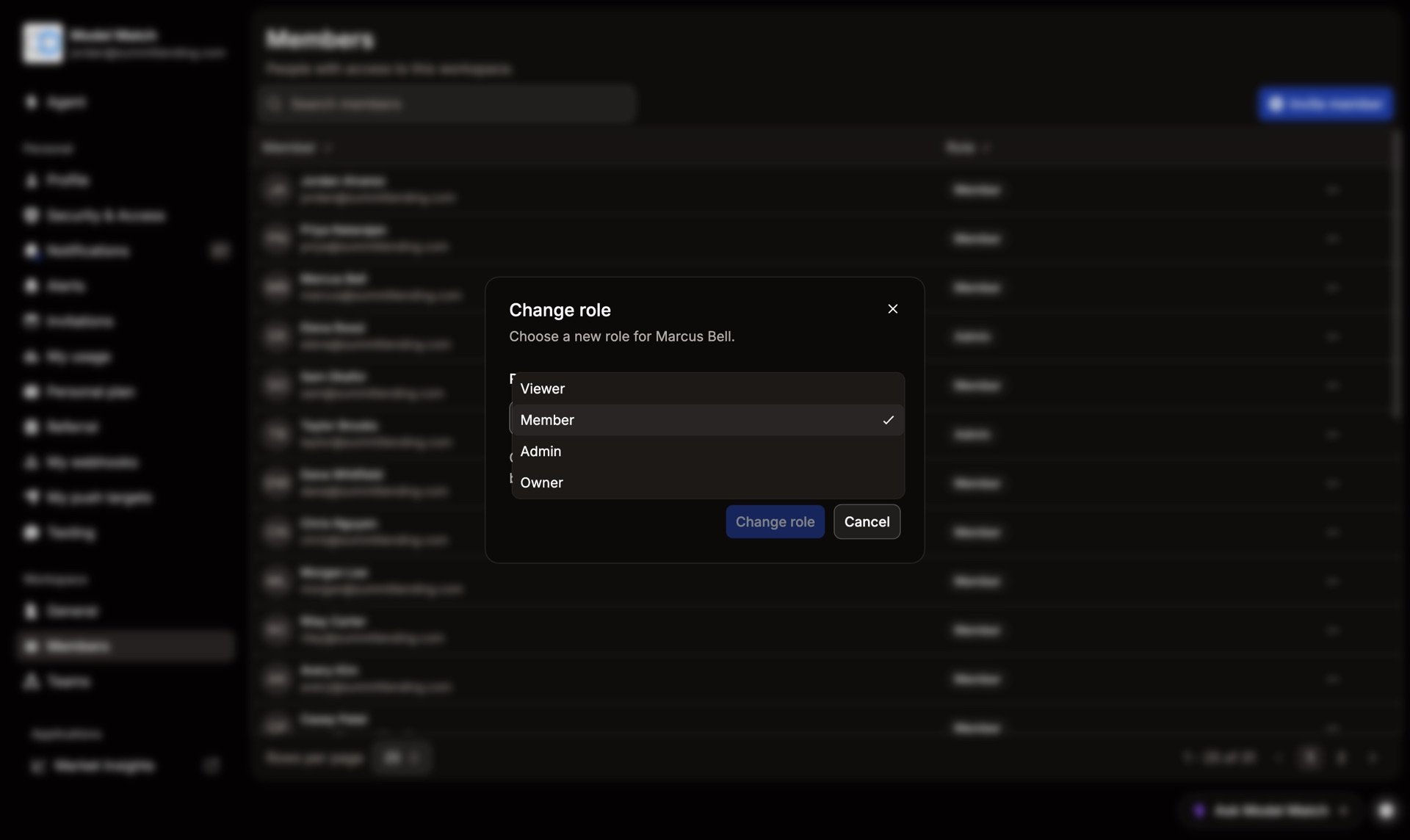
Choose Invite member, enter their email, pick a role, and send. They join with that role when they accept the email. Most people start as Member. See Roles if you’re unsure.
Pending invitations
Invites that haven’t been accepted yet stay in the Members list. Open the row’s … menu to Resend invite or Cancel invite.
Change someone’s role
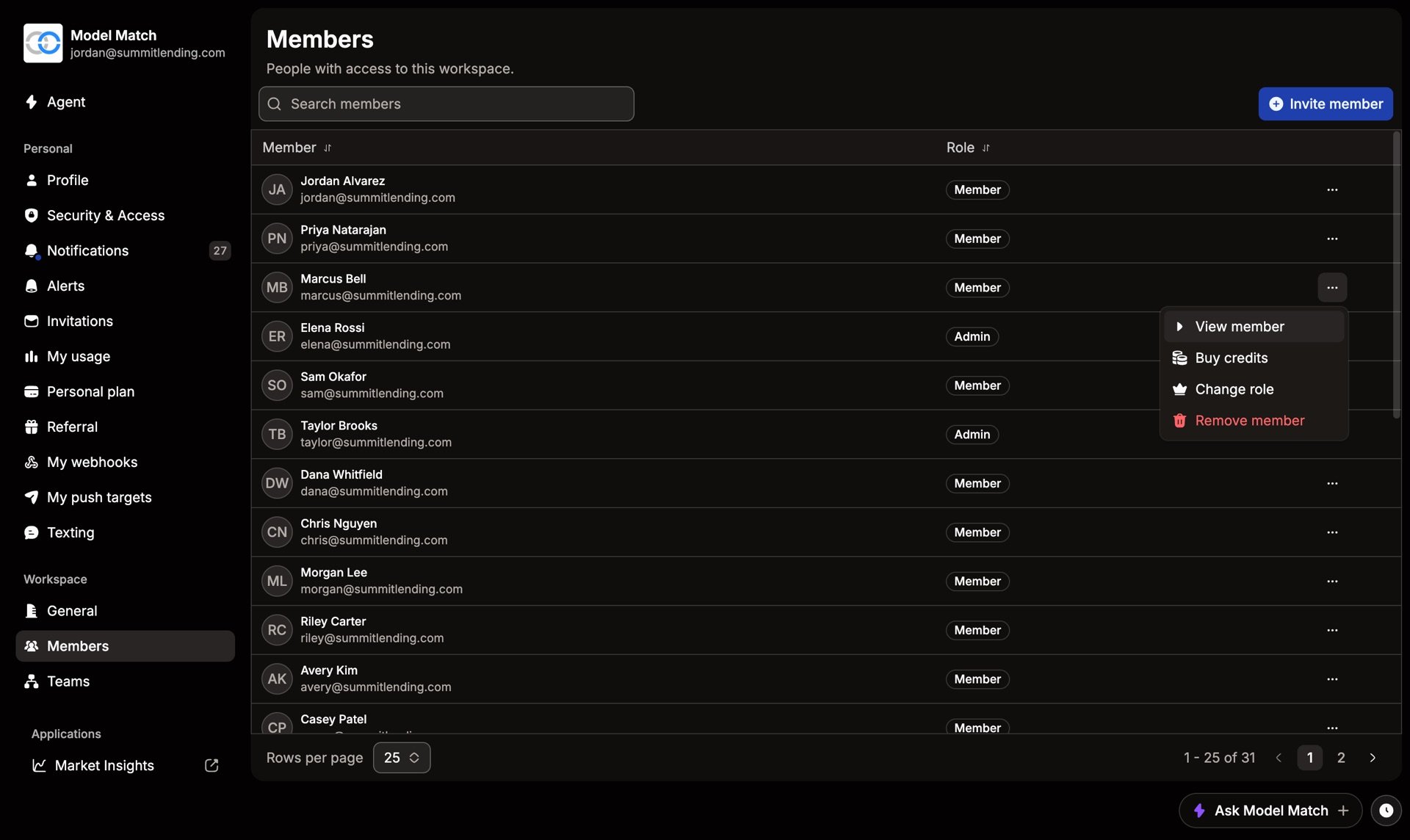
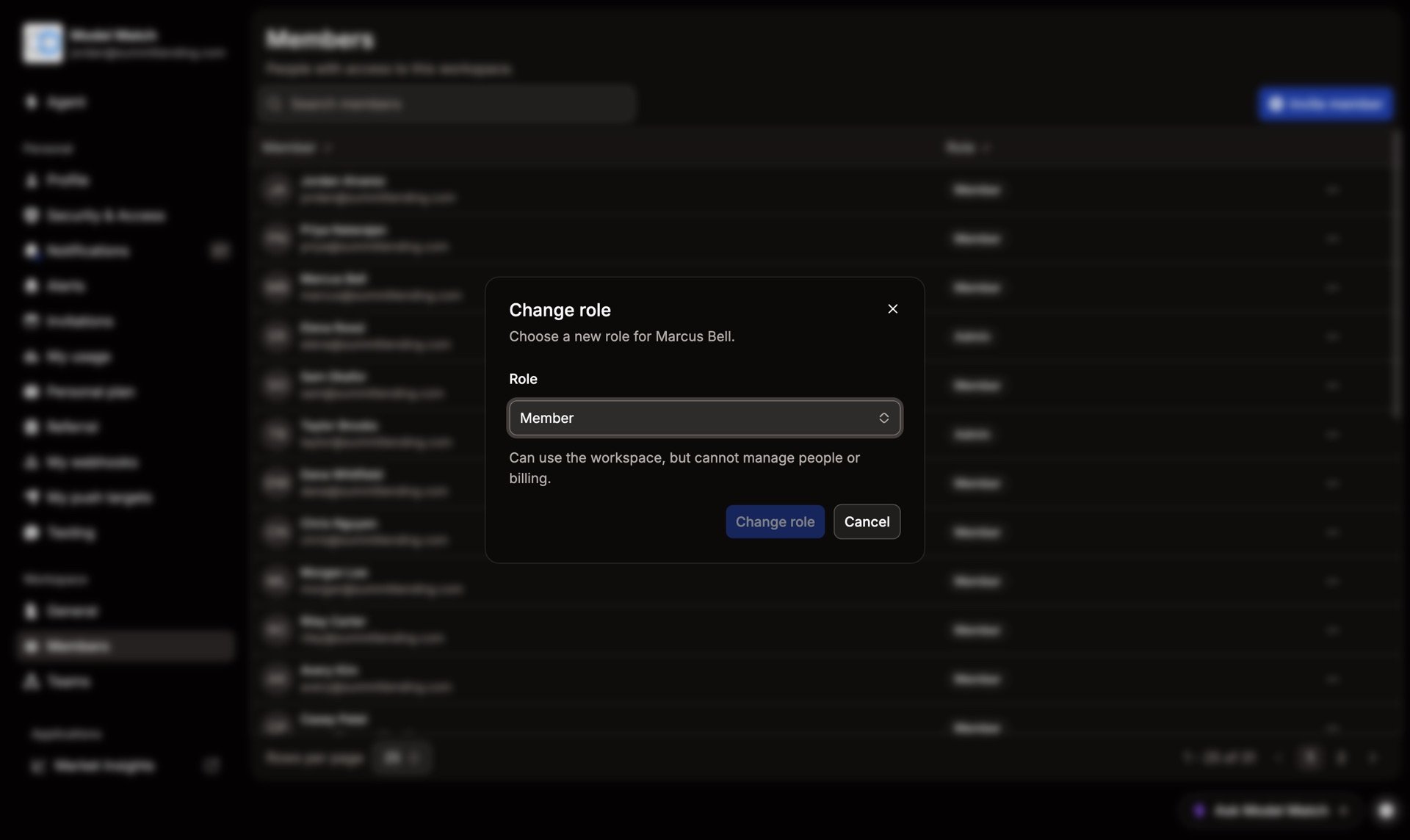
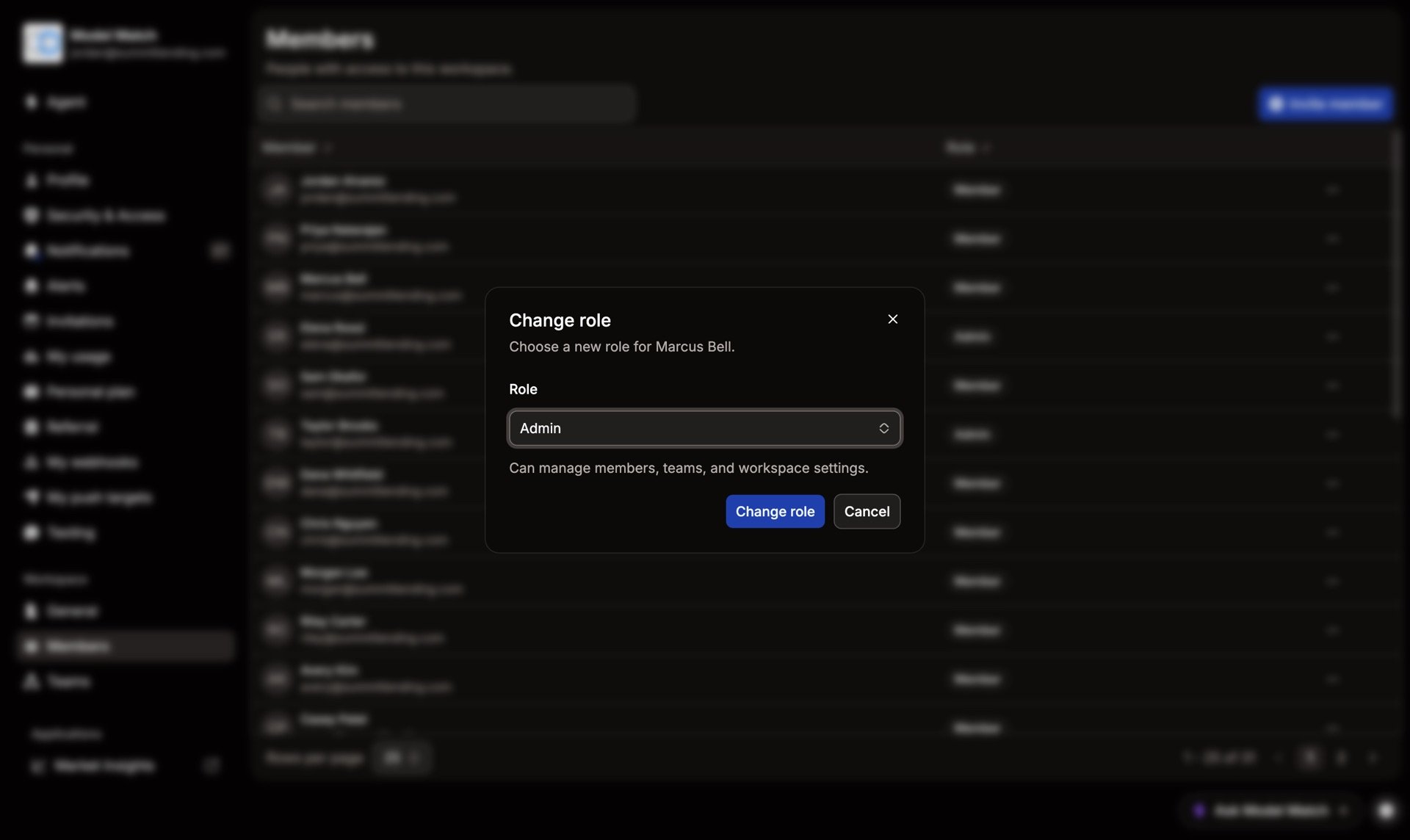
Open the person’s … menu, choose Change role, pick the new role, and confirm. The change takes effect right away.
Remove someone
Open the person’s … menu and choose Remove member. They lose access immediately. Anything they shared with the workspace stays.
Common questions
Someone never got their invite
Check that their invite is still in the list, then choose Resend invite. Ask them to check spam, and confirm the email address is right.
Can Members invite people?
Not by default. Inviting is set to Admin and above. You can change that on the Permissions & Access page.
What happens to someone's work when I remove them?
Anything shared with the workspace stays. Their personal, unshared items leave with their account.