Owners have full control of a workspace, including deleting it. Only an Owner can make someone else an Owner or delete the workspace.
Make someone else the Owner
Open Members
Go to Settings and choose Members.
Change their role to Owner
Open their … menu, choose Change role, and pick Owner. See Members.
Step down, if you want to
You can’t change your own role. Ask the new Owner to change it, or leave the workspace.
A workspace always needs at least one Owner, so the last Owner can’t leave until someone else has the role.
Delete a workspace
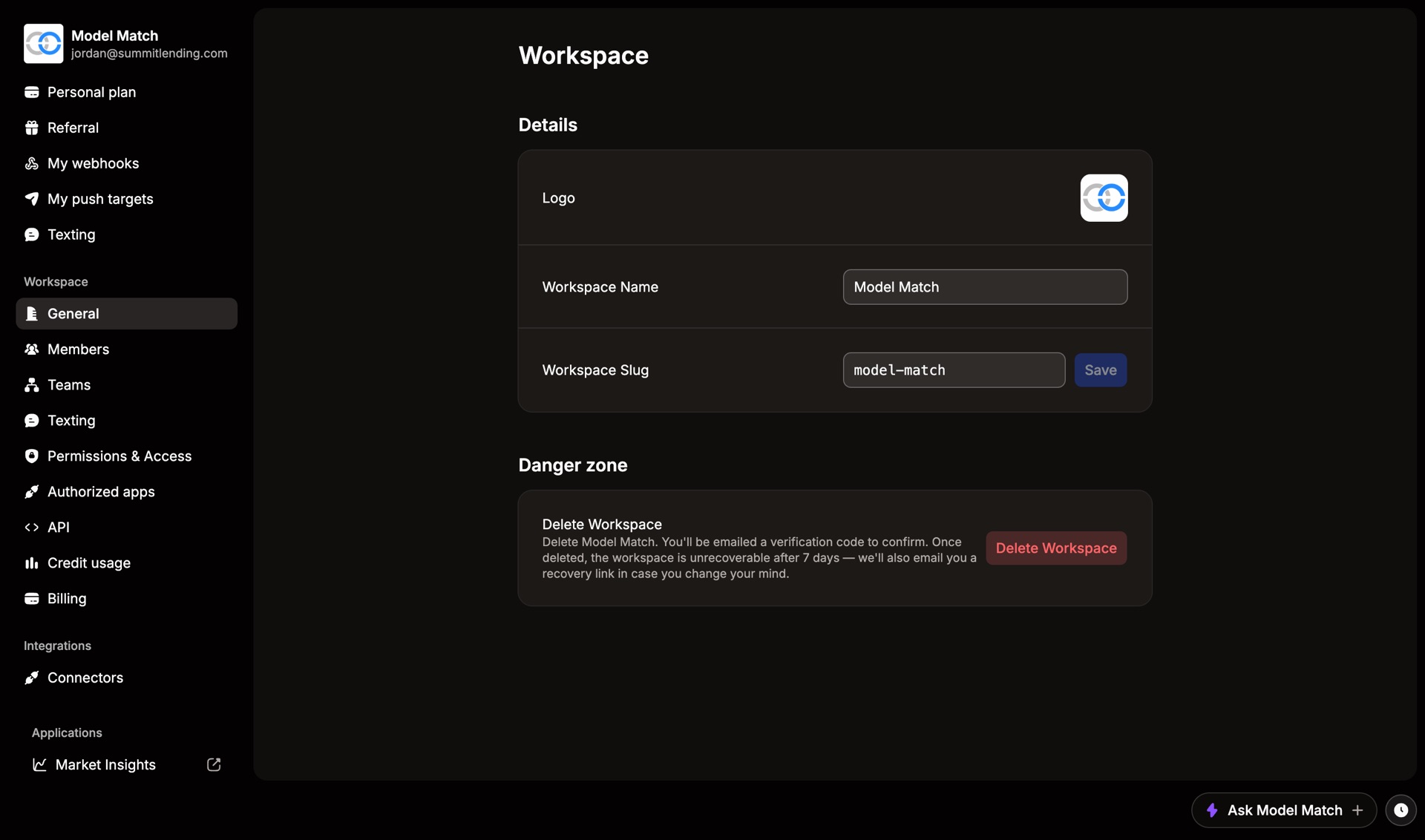
Deleting removes the workspace for everyone in it. It’s in Settings › General, under Danger zone.
Cancel your plan first
Deleting a workspace doesn’t cancel its subscription. Cancel the plan on the Billing page first.
Choose Delete Workspace
We email you a verification code.
Enter the code to confirm
The workspace is deleted.
You have 7 days to change your mind. We email you a recovery link. After 7 days, the workspace and its data are gone for good, and you’d need to create a new one and invite everyone again.
Common questions
I'm an Admin. Why can't I delete the workspace?
Deleting is Owner-only. Check Members to see who the Owners are.
I gave someone the Owner role by mistake
You’re still an Owner, so you can change their role back with Change role. If you’ve already stepped down, ask them, or email support.