Card details, billing contact, and invoices all live on Settings › Billing. Card changes happen in Stripe’s secure portal, so Model Match never stores your card number.
Add or update your card
In the Payment Method card, choose Add payment method, or Manage on Stripe if you already have one. Stripe opens in a new tab. Update the card there and come back.
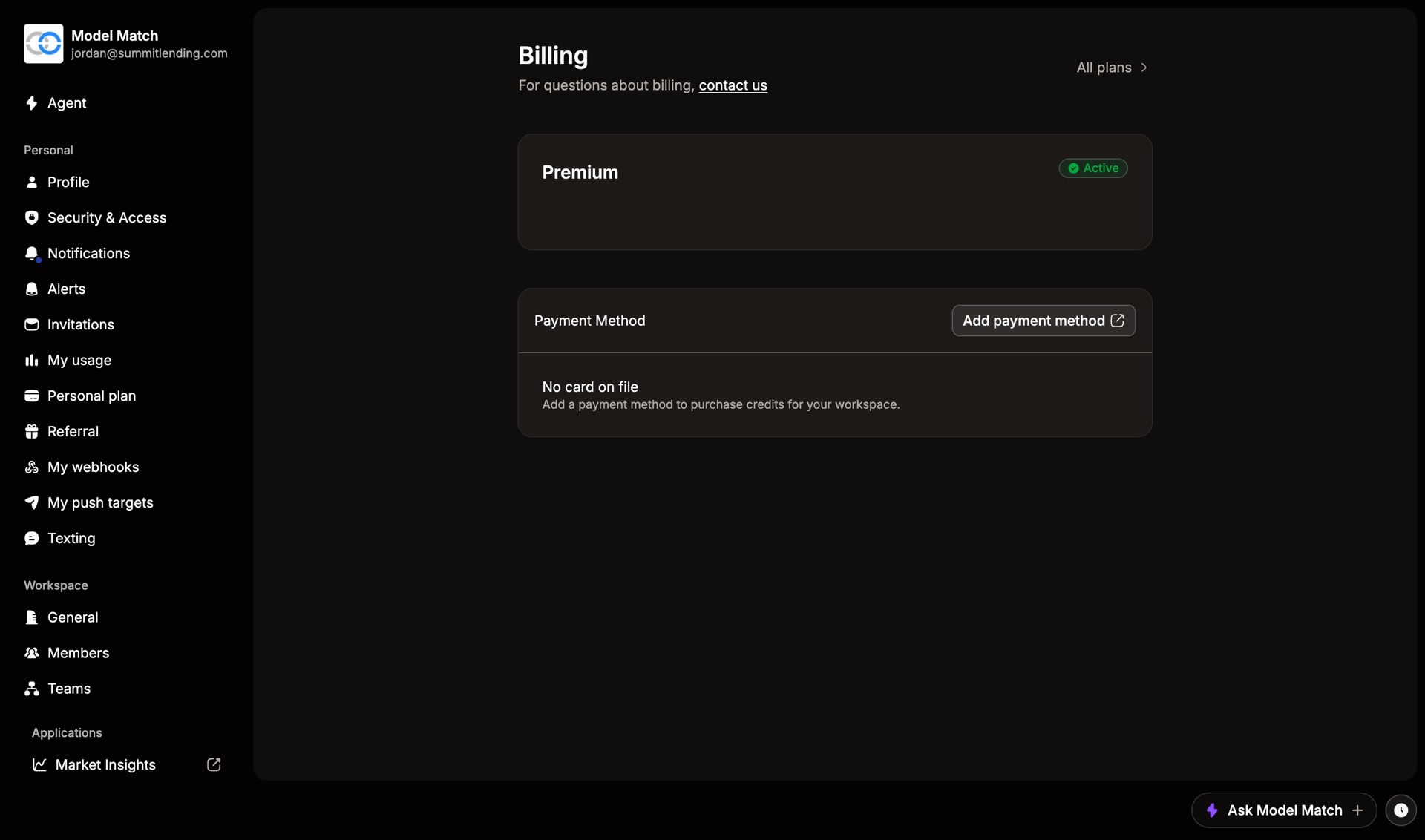
You need a card on file to buy credits.
Update billing details
Under Billing Details, choose Edit on Stripe to change the name, billing email, or address. Invoices go to the new email from then on.
Find invoices
Your recent invoices are listed on the Billing page. Choose View all to see your full history and download any invoice. The Upcoming bill card shows what you’ll pay next.
Don’t see these sections? They appear once your workspace has a card on file. On a custom or Enterprise plan, ask your Customer Success Manager or email support.