Every member has one of four roles. You pick it when you invite someone, and you can change it any time.
| Role | In short |
|---|---|
| Viewer | Read-only. Can’t invite people or change settings. |
| Member | Uses Model Match day to day. Can’t manage people or billing. |
| Admin | Manages members, teams, billing, and workspace settings. |
| Owner | Everything an Admin can do, plus deleting the workspace. |
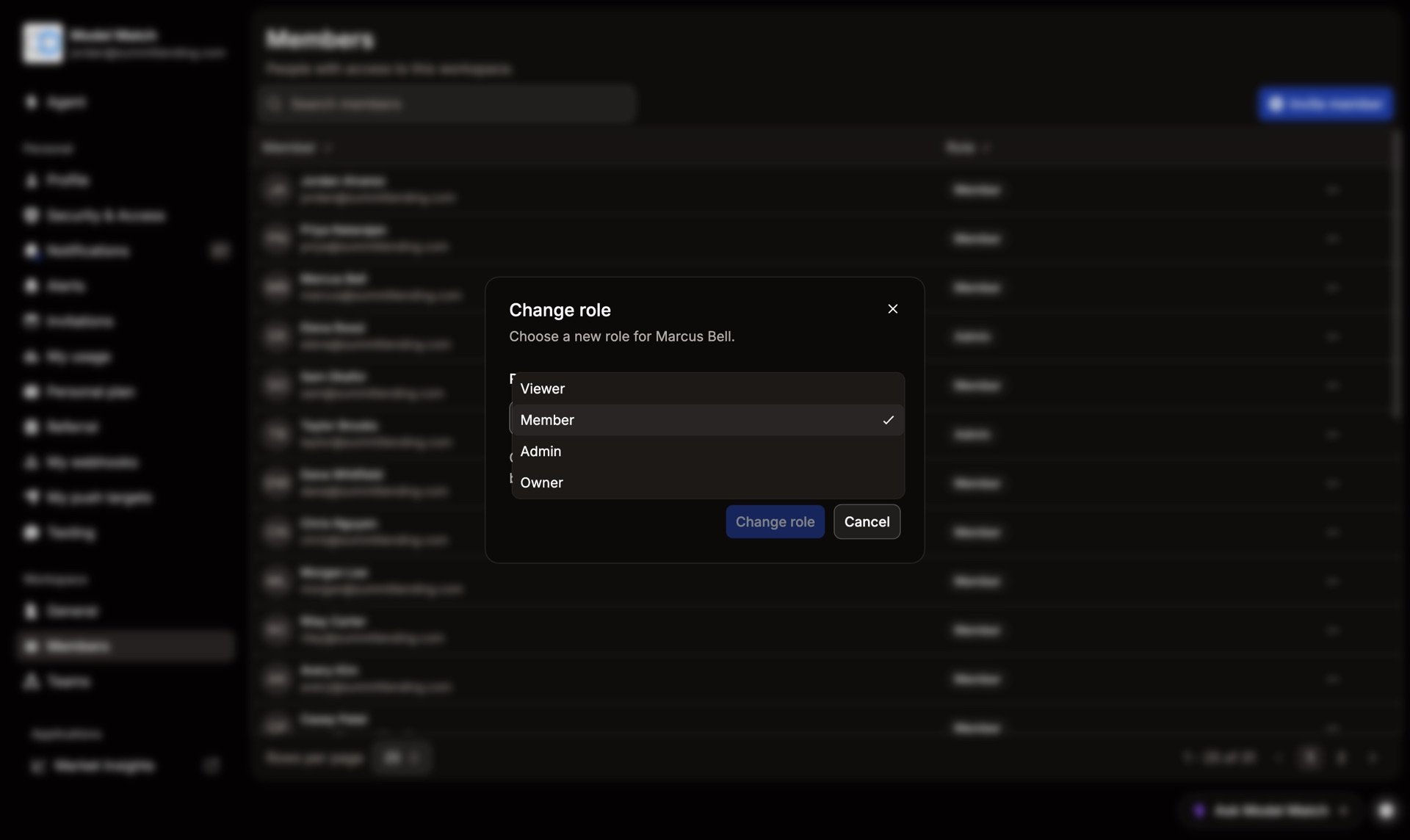
What each role can do by default
| Viewer | Member | Admin | Owner | |
|---|---|---|---|---|
| View data and the plan | ✓ | ✓ | ✓ | ✓ |
| Create their own API keys, connectors, and pushes | — | ✓ | ✓ | ✓ |
| Invite and manage members and teams | — | — | ✓ | ✓ |
| Manage billing and buy credits | — | — | ✓ | ✓ |
| Change permissions and security | — | — | ✓ | ✓ |
| Delete the workspace | — | — | — | ✓ |
These are defaults. An Admin can move most actions up or down a role on the Permissions & Access page. For example, you can let Members invite people.
Common questions
Can there be more than one Admin or Owner?
Yes. Give the role to as many people as you need. Keep Owner to a small group, since Owners can delete the workspace.
Can I make a custom role?
No. There are four roles, but you can change what each one is allowed to do on Permissions & Access.
Which role is safest for someone who only needs to look?
Viewer. It’s read-only.