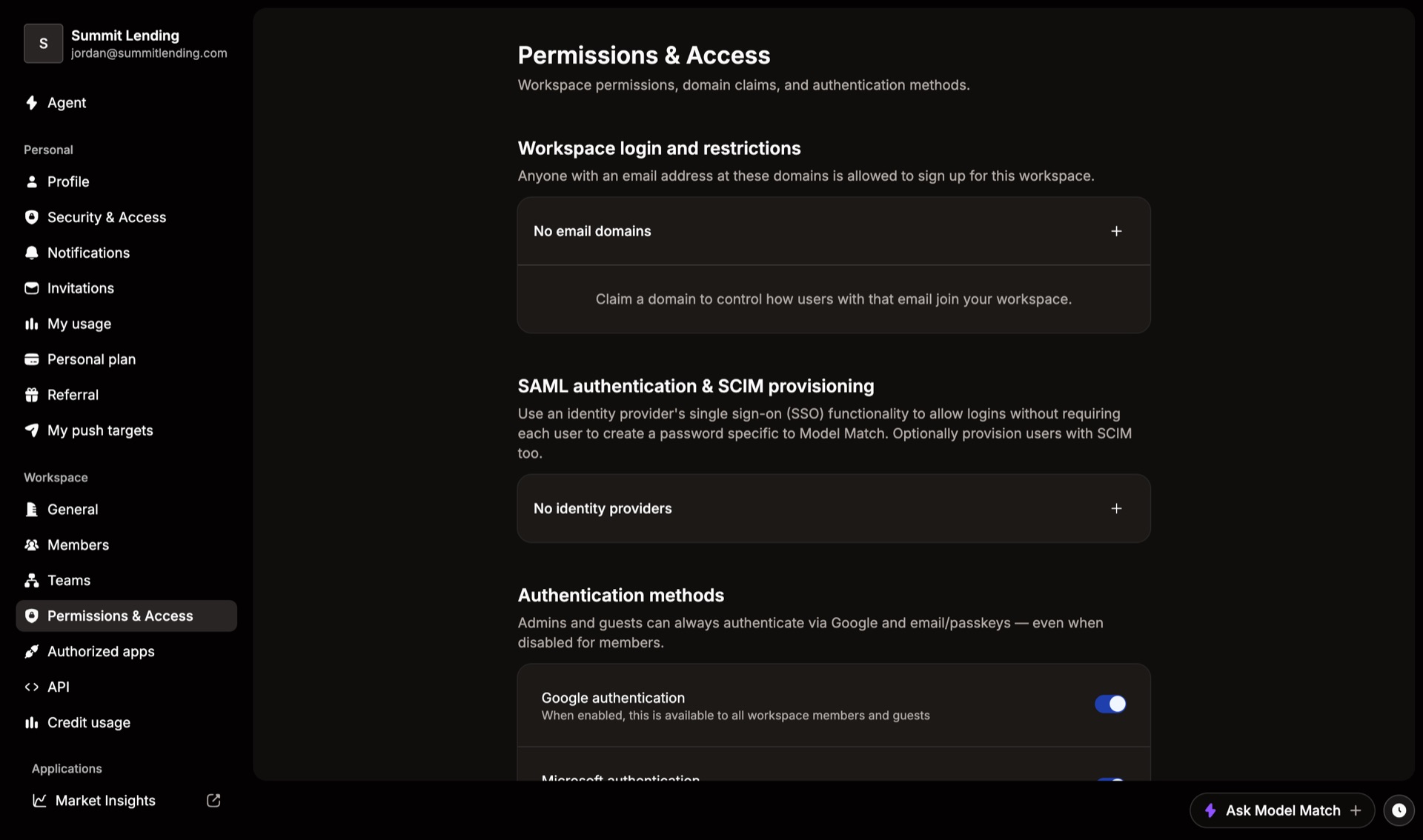
Security settings control who can join your workspace and how they sign in. They’re at the top of Settings › Permissions & Access.
Domain claims, SSO, and sign-in restrictions are part of the Enterprise plan. On other plans these sections show Upgrade plan.
Claim your email domain
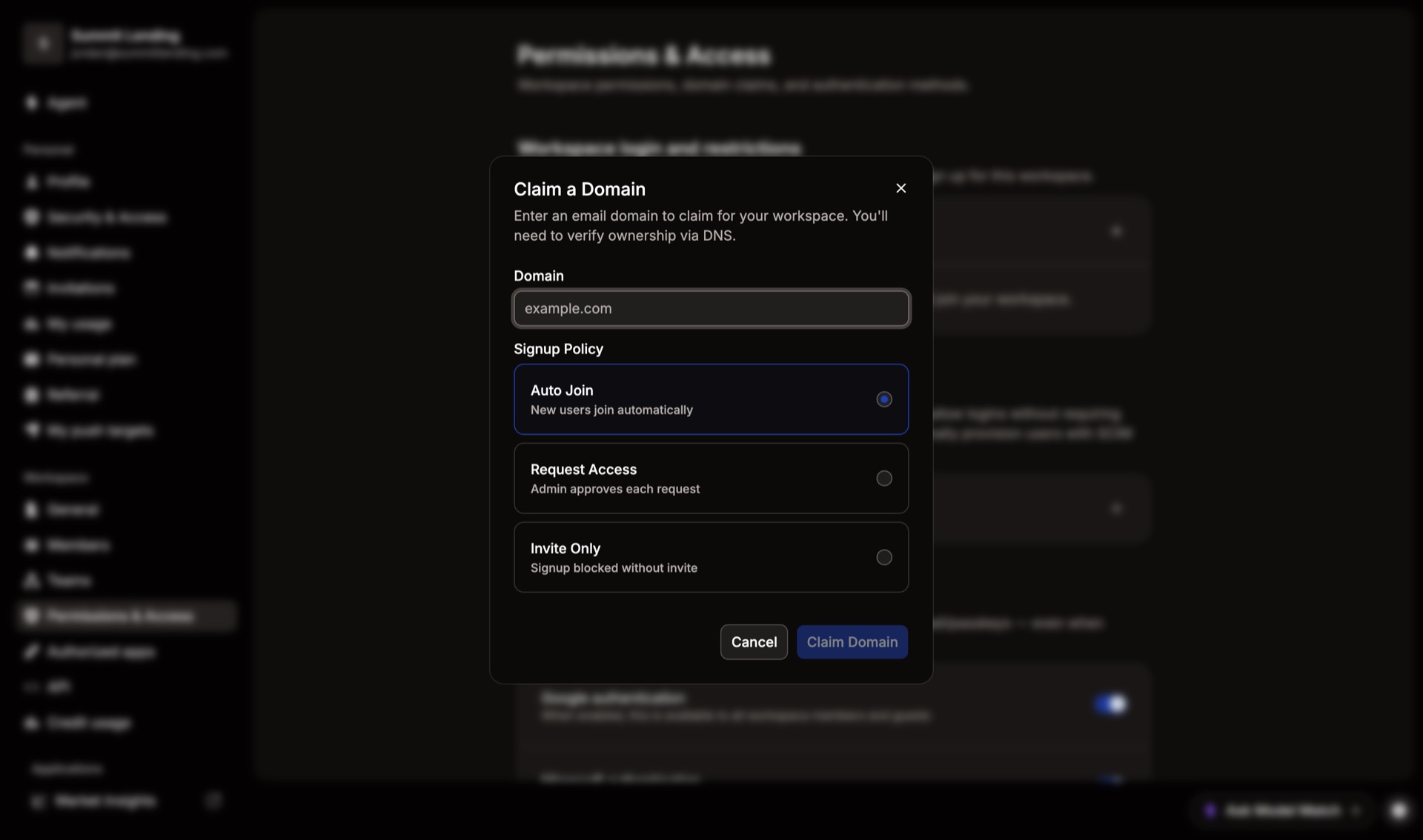
Claiming a domain, like yourcompany.com, decides what happens when someone with that email signs up. You pick one of three signup policies:
| Policy | What happens |
|---|---|
| Auto Join | They join your workspace automatically. |
| Request Access | They ask to join, and an Admin approves each request. |
| Invite Only | They can’t sign up without an invite. |
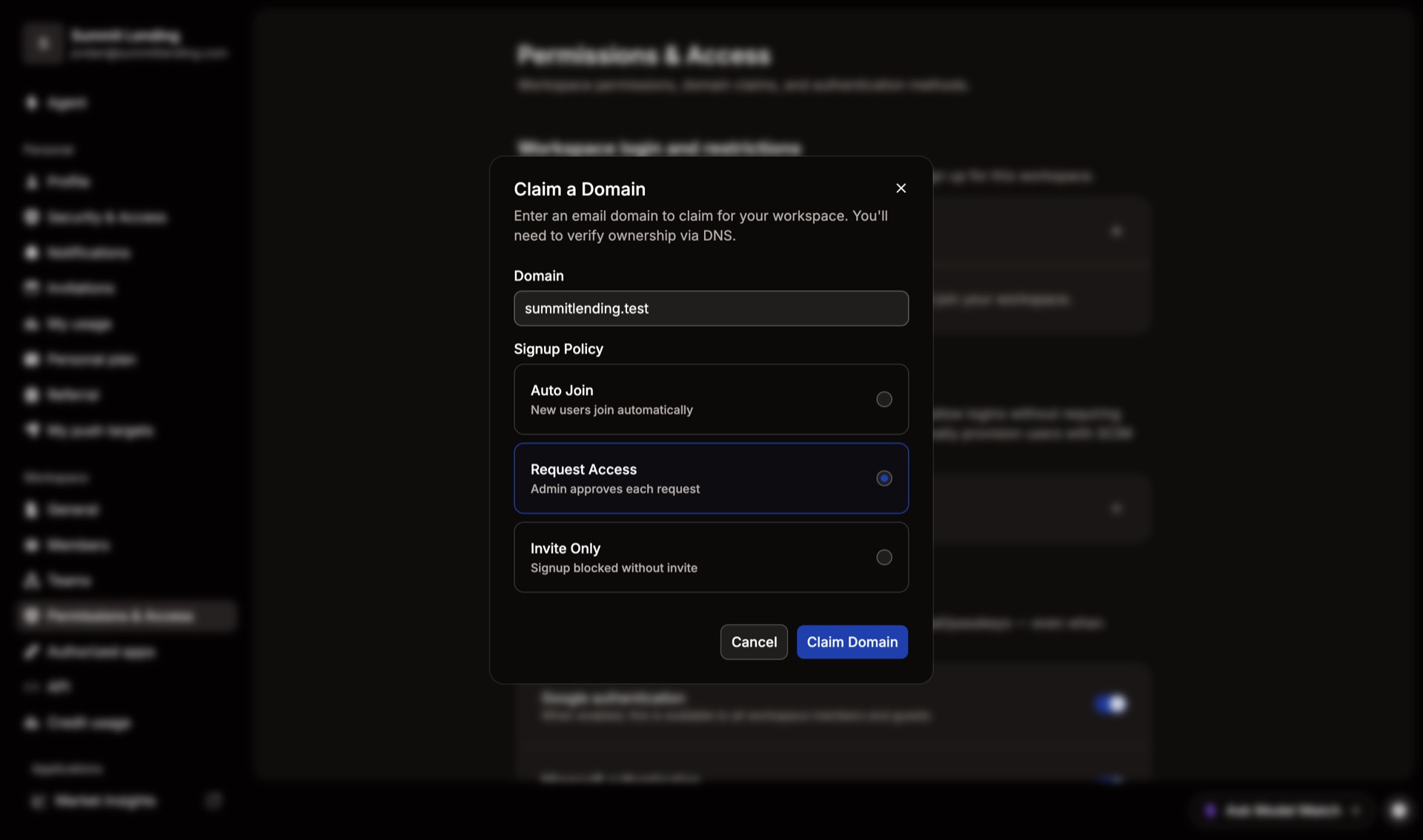
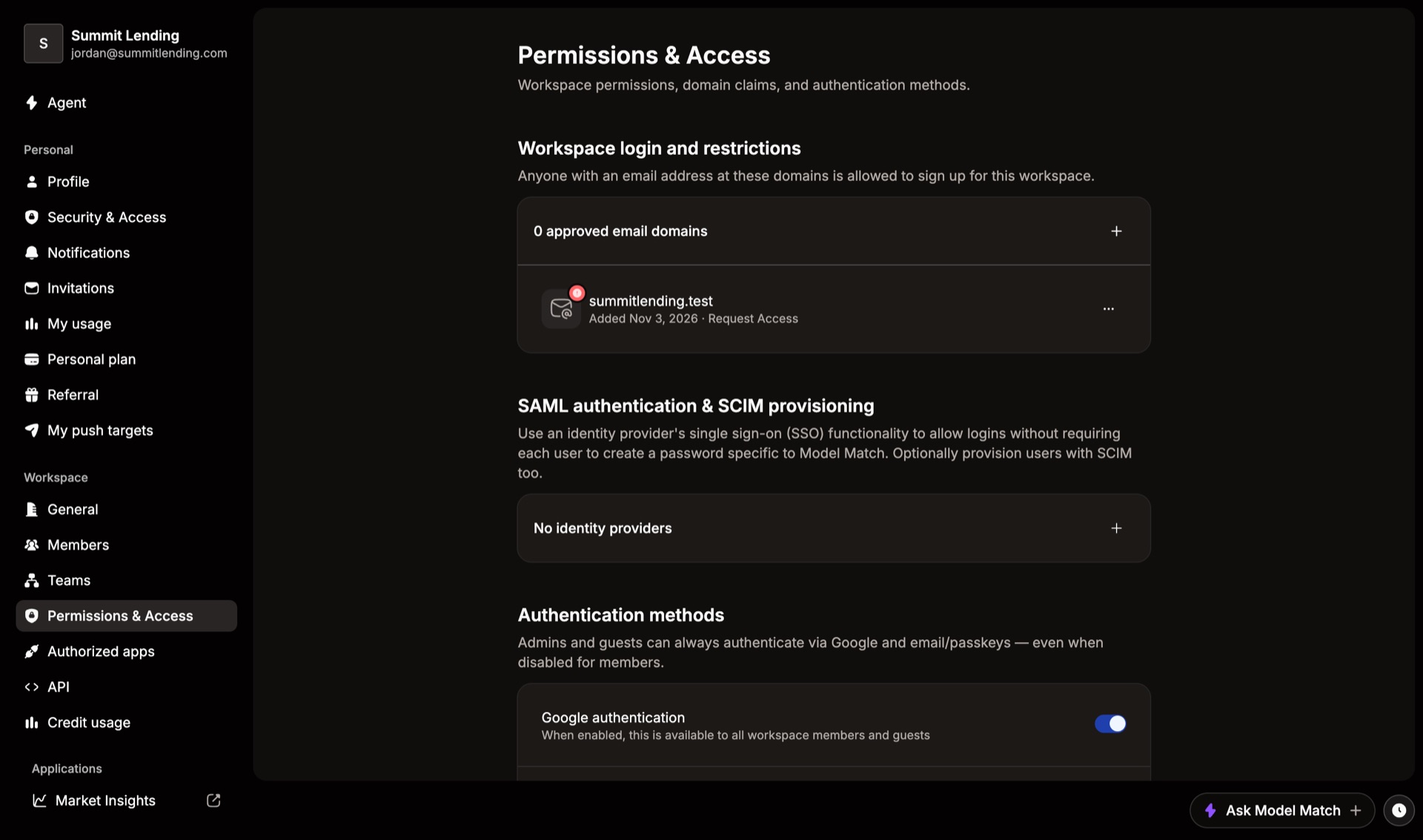
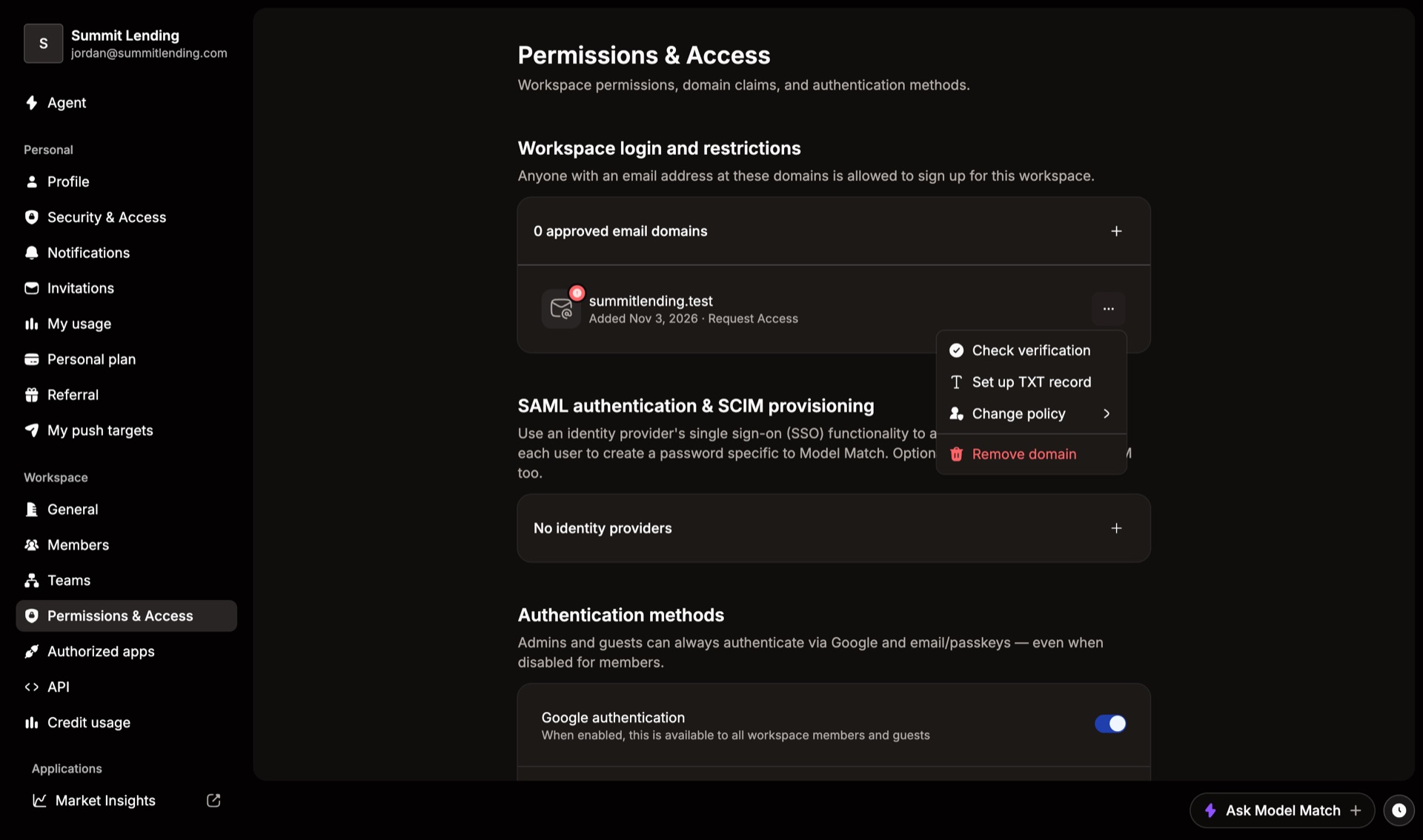
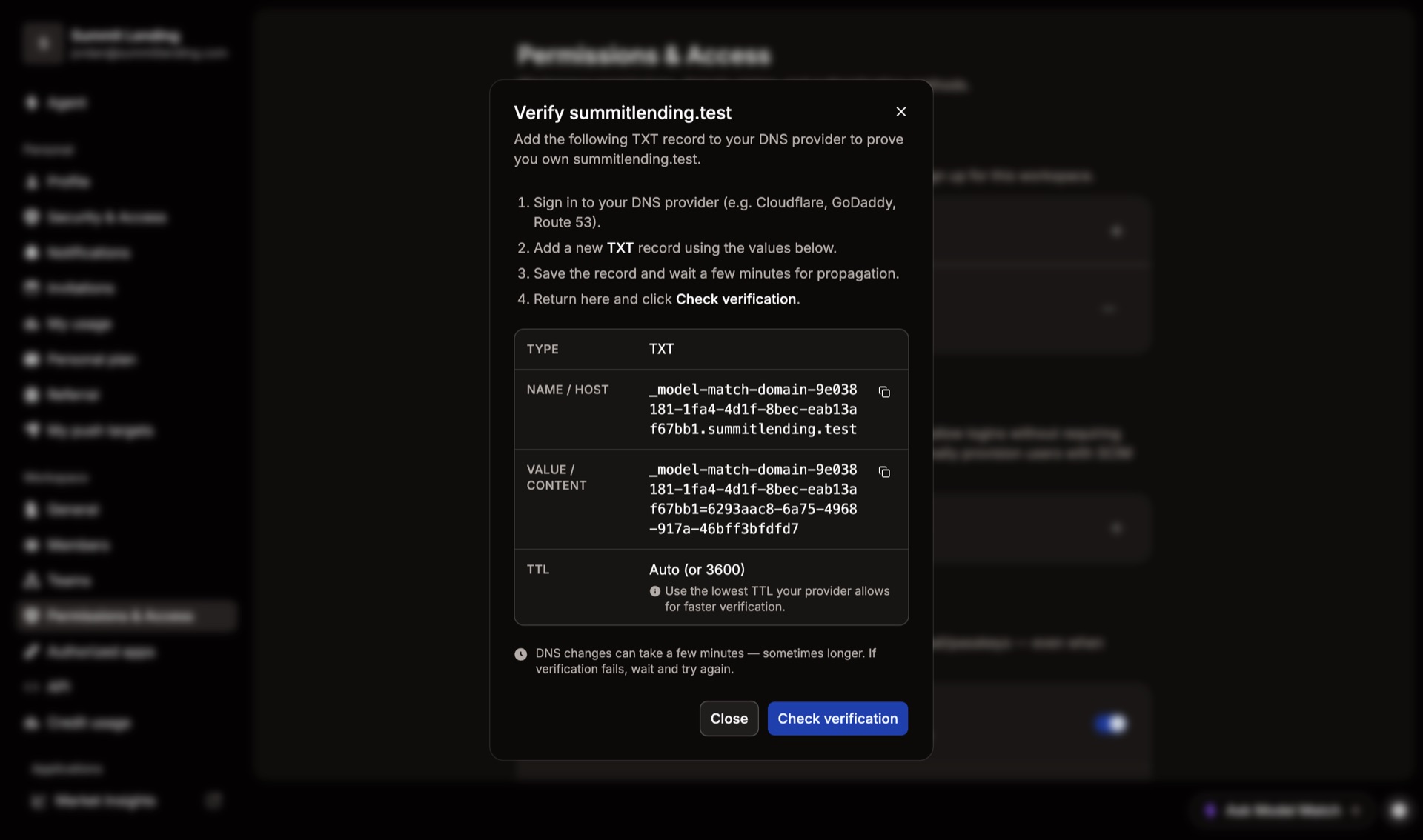
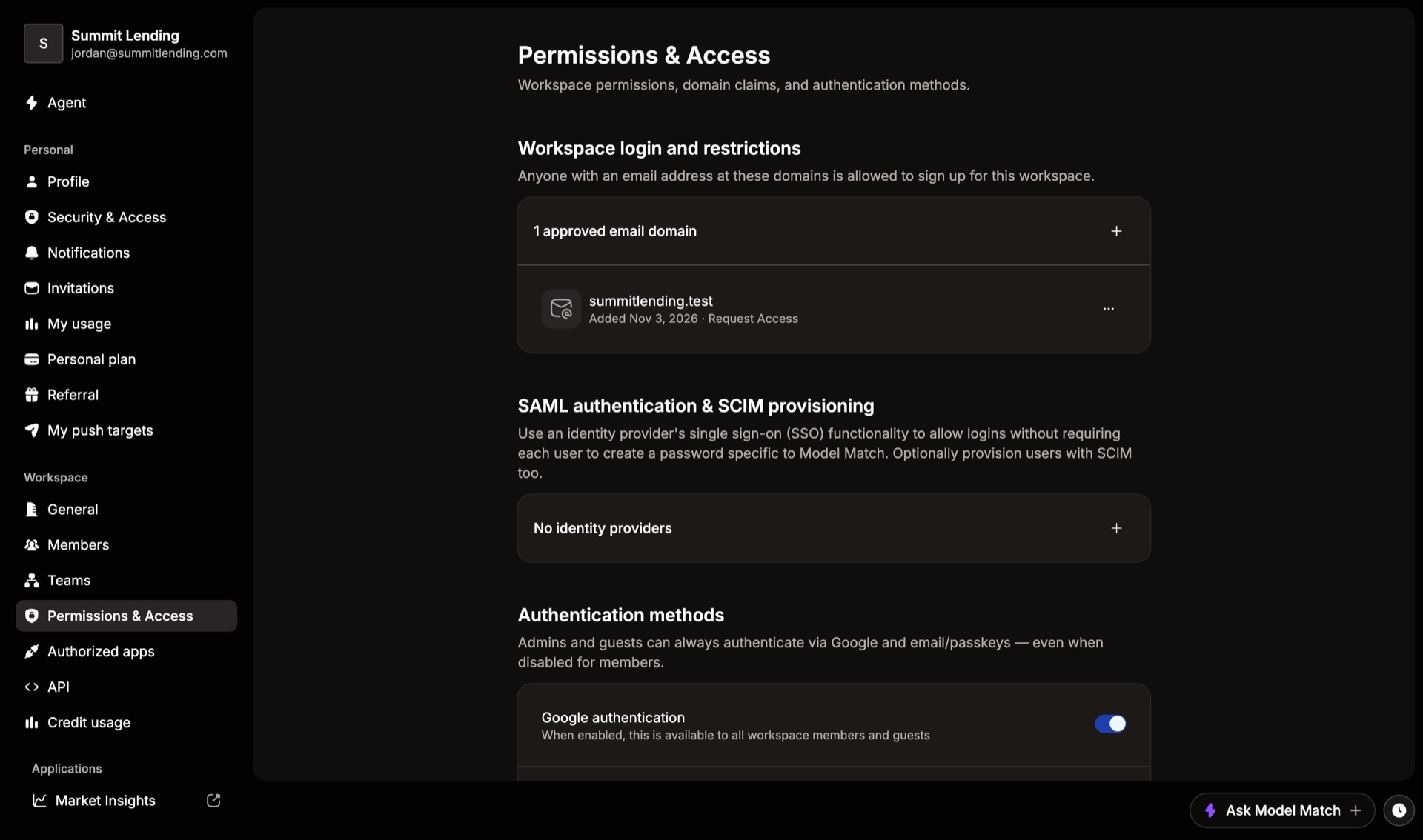
You’ll need someone who can edit your company’s DNS. If that isn’t you, choose Set up TXT record and send them the values. Verification can take a few minutes after the record is saved. To switch policies later, open the domain’s … menu and choose Change policy.
Set up single sign-on
SSO lets your team sign in with their company login instead of a separate password. Under SAML authentication & SCIM provisioning, choose Add identity provider.
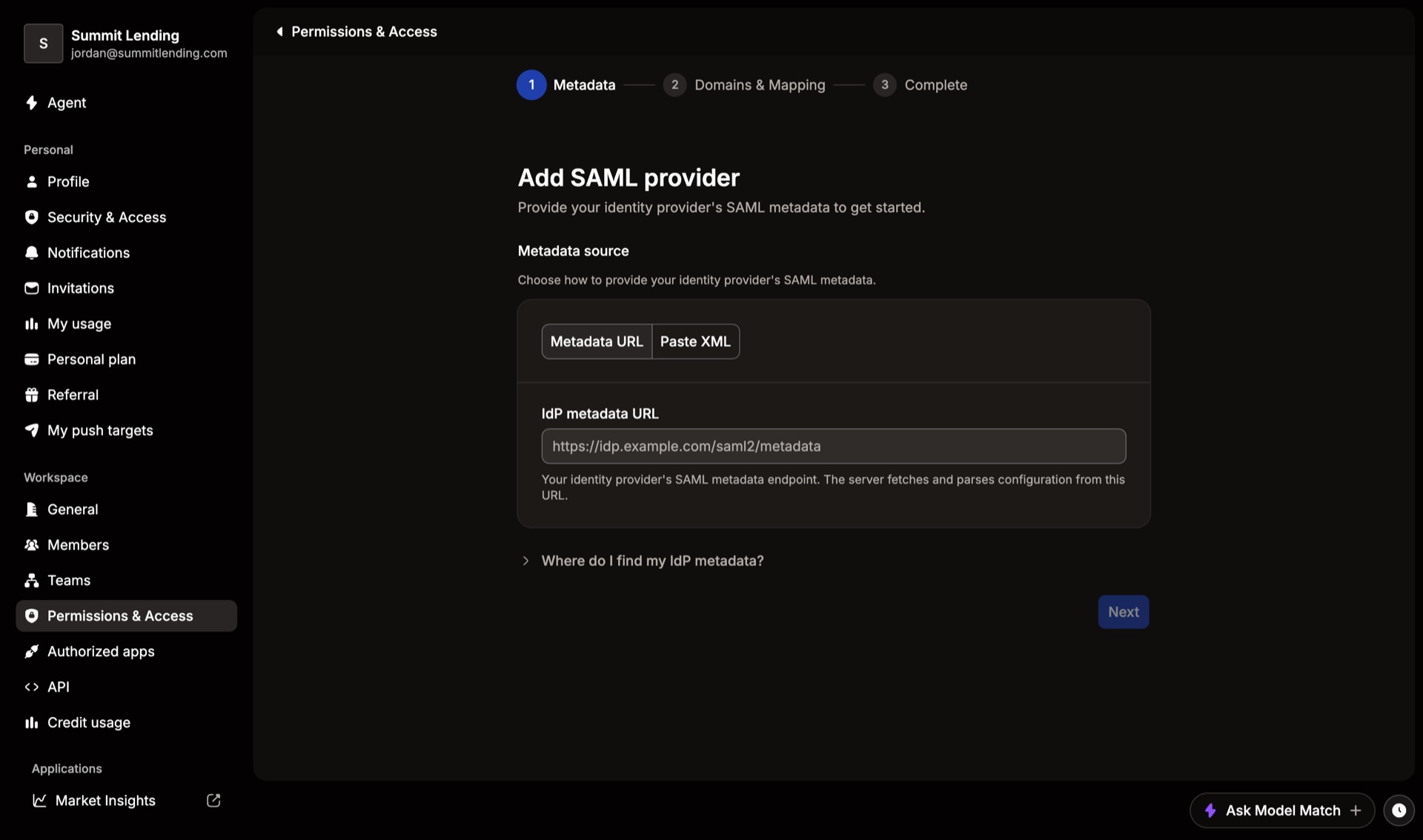
Metadata
Paste your identity provider’s metadata URL, or switch to Paste XML. Your provider’s admin console has it. Look for “SAML metadata”.
Domains & Mapping
Choose which email domains use this provider and how its fields map to Model Match.
Complete
Turn on SAML / SSO under Authentication methods. You can also turn on SCIM so people are added and removed automatically from your provider.
Choose how people sign in
Under Authentication methods, switch Google, Microsoft, passkeys, or SSO on or off, and pick how email sign-in works. For example, turn everything but SSO off to require it. Admins and guests can always sign in with Google or email, so you can’t lock yourself out.
Common questions
Someone with our domain joined unexpectedly
Your domain is set to Auto Join. Open its … menu and change the policy to Request Access or Invite Only.
Verification keeps failing
DNS changes can take a while to spread. Check that the record type is TXT and the name and value match exactly, then try Check verification again later.