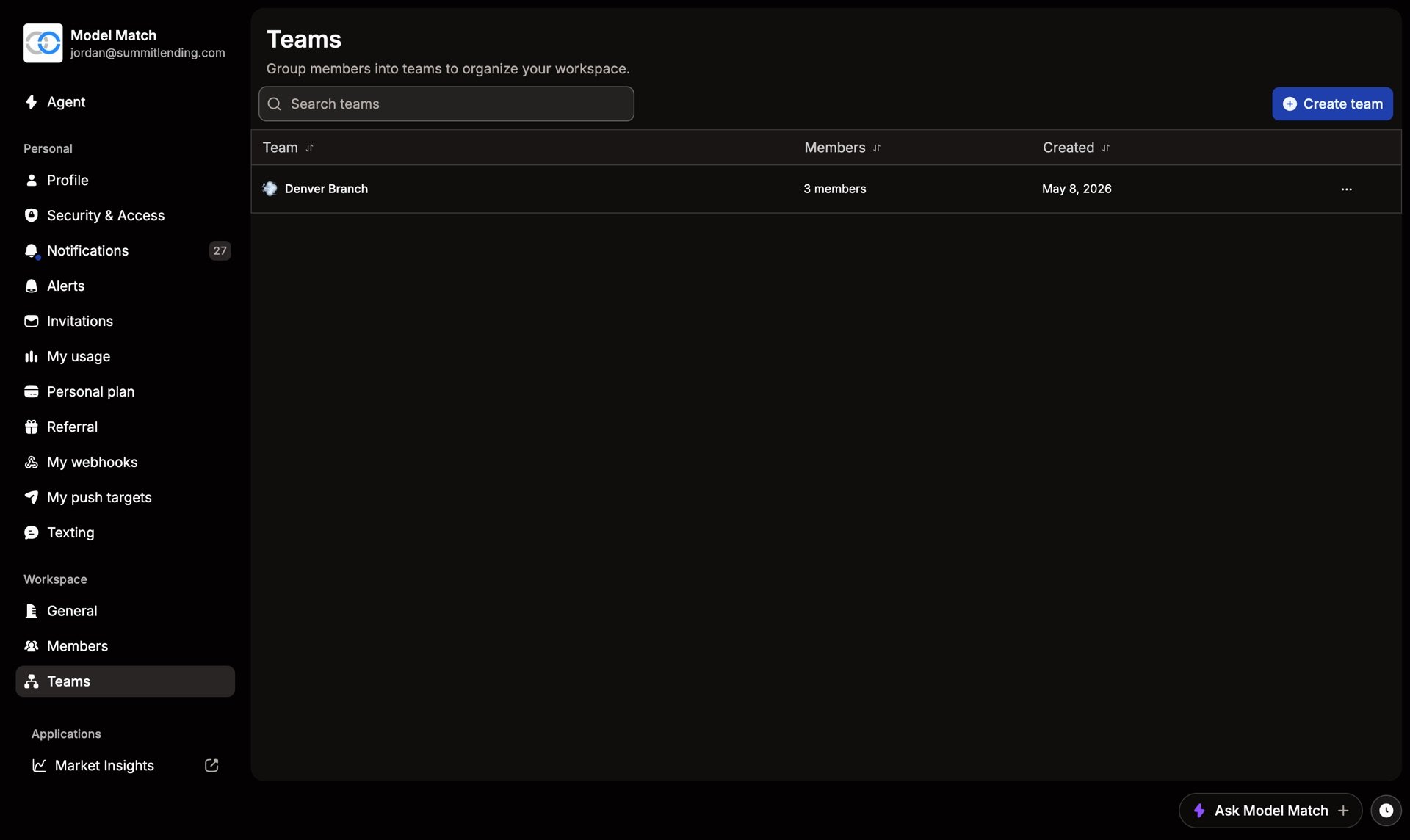
Teams group people inside your workspace, by branch, region, or however you’re organized. Everyone still shares the same plan, credits, and settings. Manage them in Settings › Teams.
Create a team
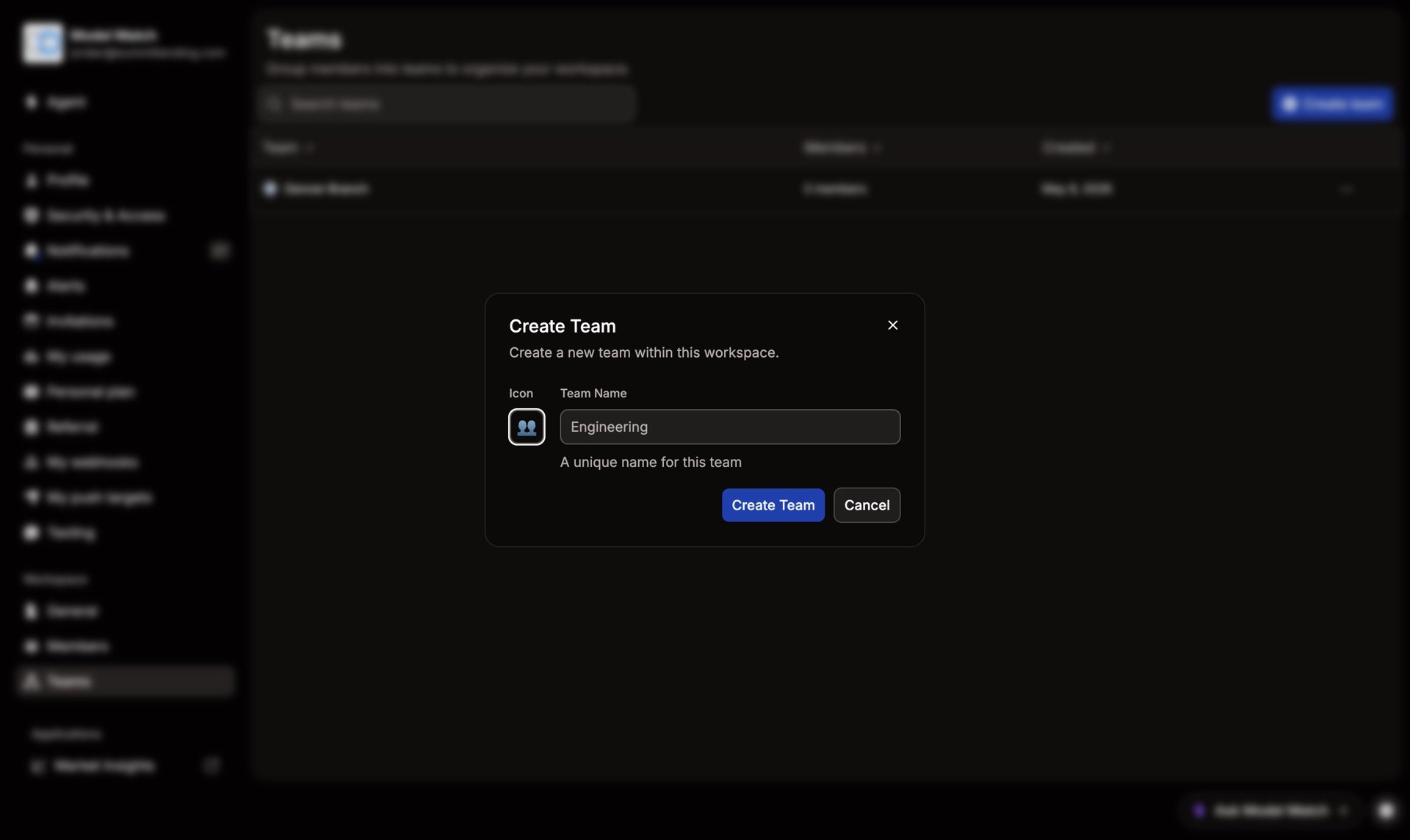
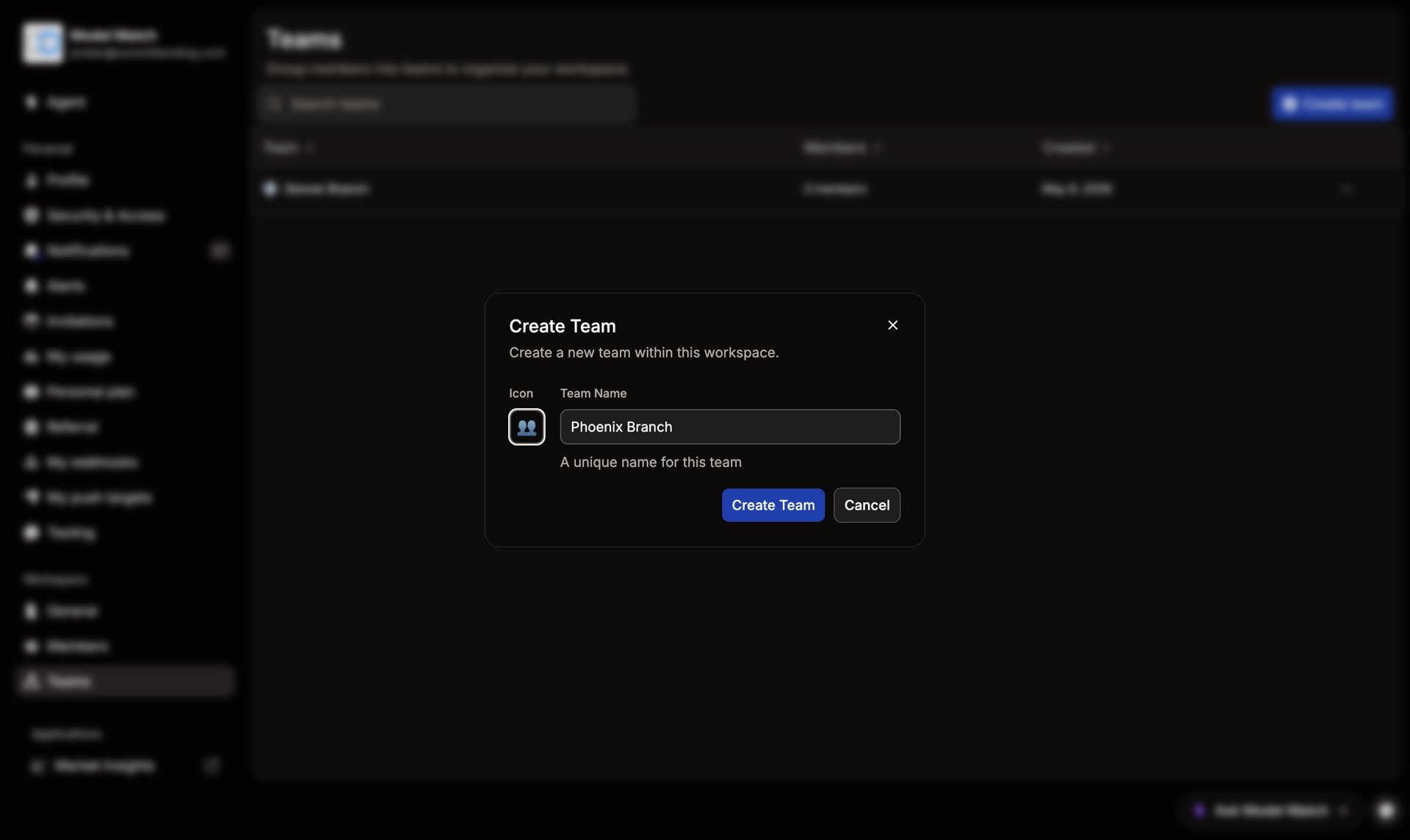
Choose Create team, give it a name and an icon, and save. Then open the team to add existing members.
DemoCreate a team
Rename or delete a team
Open the team to change its name or icon, or to delete it. Deleting a team only removes the grouping. Its members stay in the workspace with the same role.
Teams organize people. Roles set what they can do. Adding someone to a team doesn’t change their role.
Common questions
Can someone be on more than one team?
Yes. Add them to as many teams as you need.
Should I use teams or separate workspaces?
Use teams when everyone shares one plan and one book of work. Use separate workspaces only when groups need their own billing and data.