Credits pay for Model Match’s data-heavy work. Most people never think about them, because their workspace plan includes plenty and an Admin handles the rest.
What uses credits
Your usage is split into three categories, and you’ll see these names on your usage pages.
| Category | What it covers |
|---|---|
| Enrichment | Revealing borrower contact details in Borrower Insights. Lookups that find nothing are refunded. |
| Agent | Questions and tasks you give Ask Model Match. |
| API/MCP | Requests from the API, and from AI assistants connected over MCP. |
Some things are always free, like searching properties in Borrower Insights and pushing records to your other tools.
Where credits come from
You can have up to three kinds of credits.
| Kind | Who gets them | Resets? |
|---|---|---|
| Workspace plan | Each member gets an allowance with your workspace plan. | Every billing cycle. Unused credits don’t roll over. |
| Personal plan | You, if you subscribe to one on your own card. | Every billing cycle. |
| On-demand | Bought for the workspace by an Admin, or for yourself. | Never. They roll over until used. |
The order they’re spent in
Model Match always uses the credits that expire first.
Credits come from up to three places, and Model Match uses them in this order.
On-demand credits only kick in once your plan credits run out, and only if spending beyond cycle is on. This keeps purchased credits from being used by accident.
See your balance
Go to Settings › My usage. The top cards show plan credits left this cycle and your on-demand balance, split between workspace and personal.
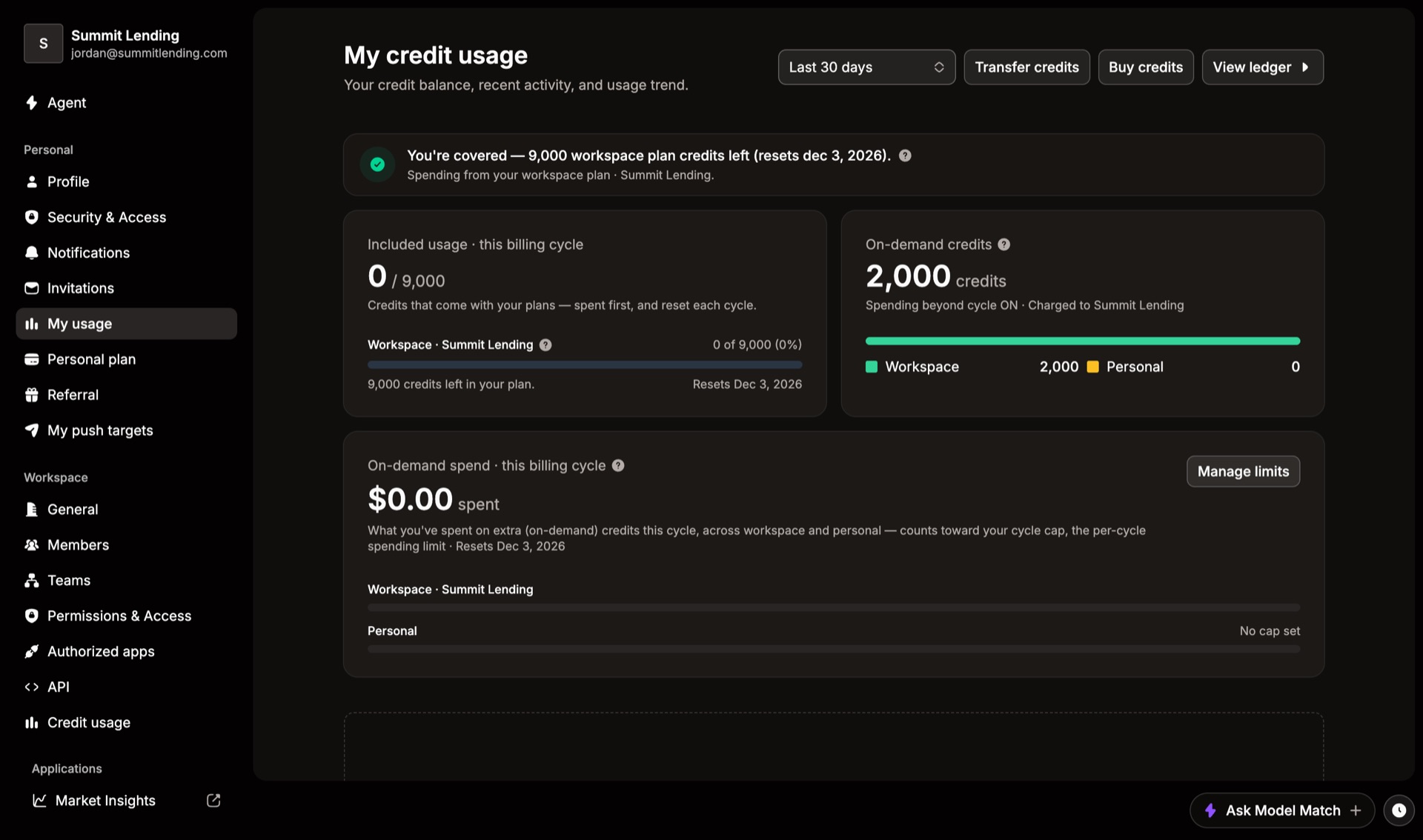
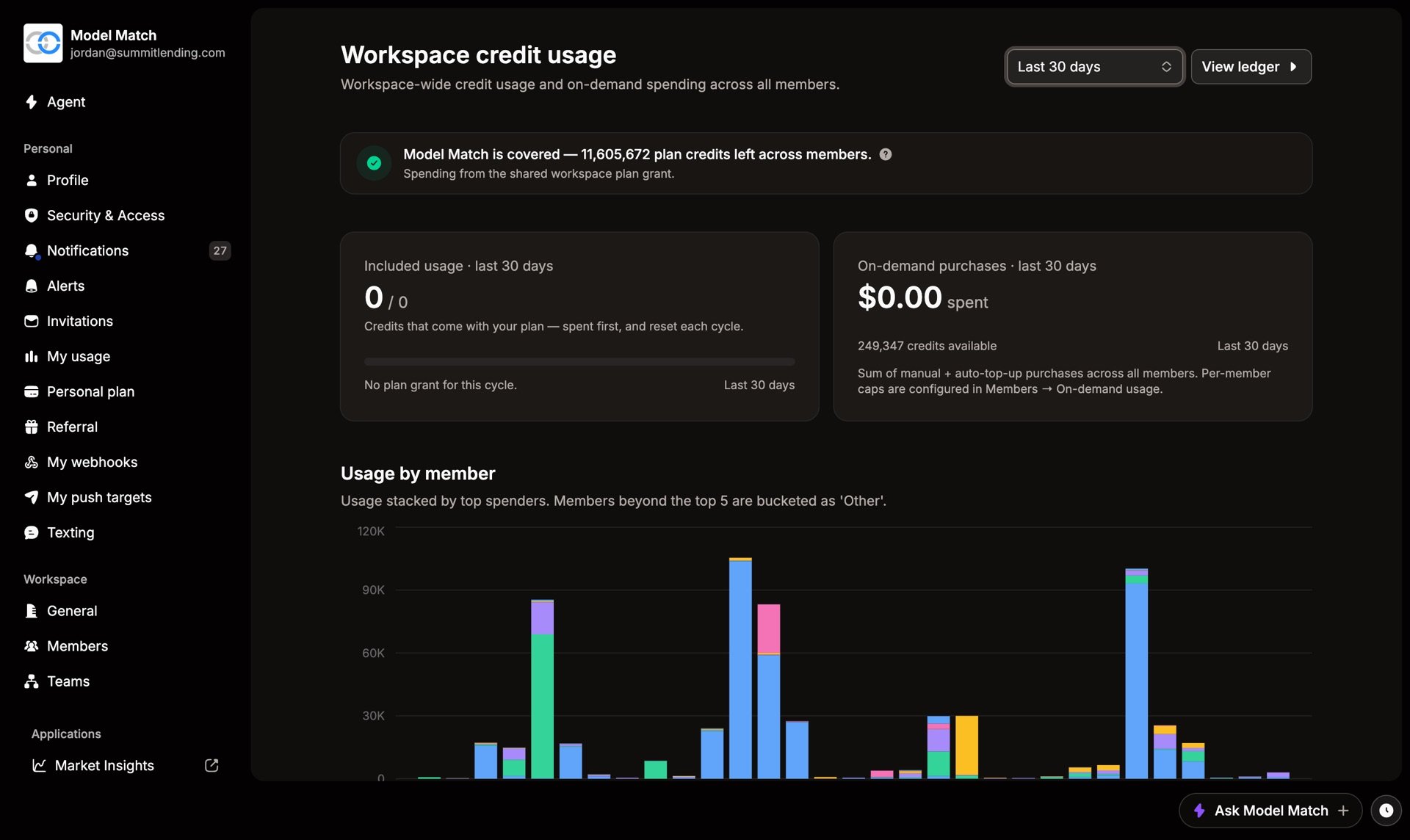
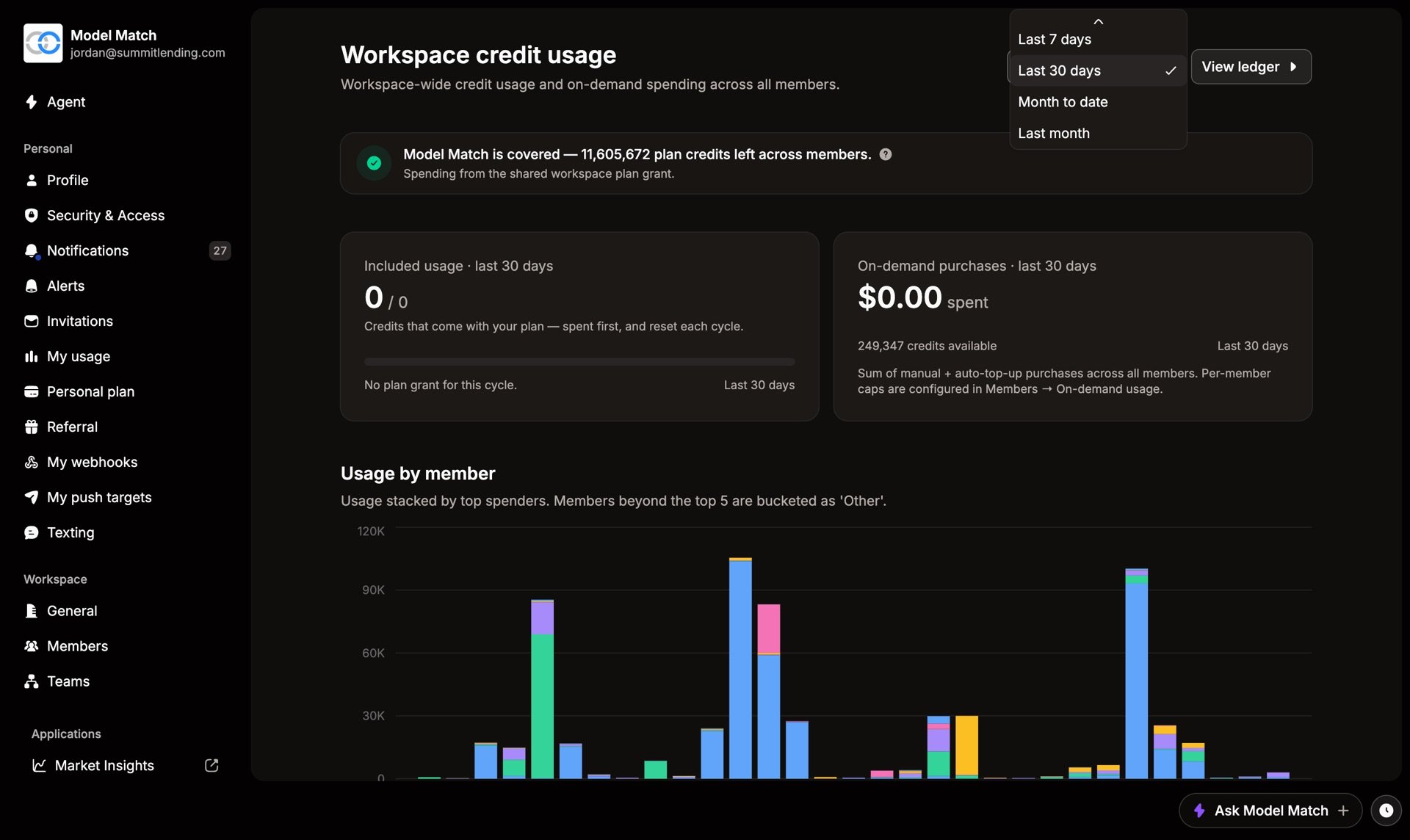
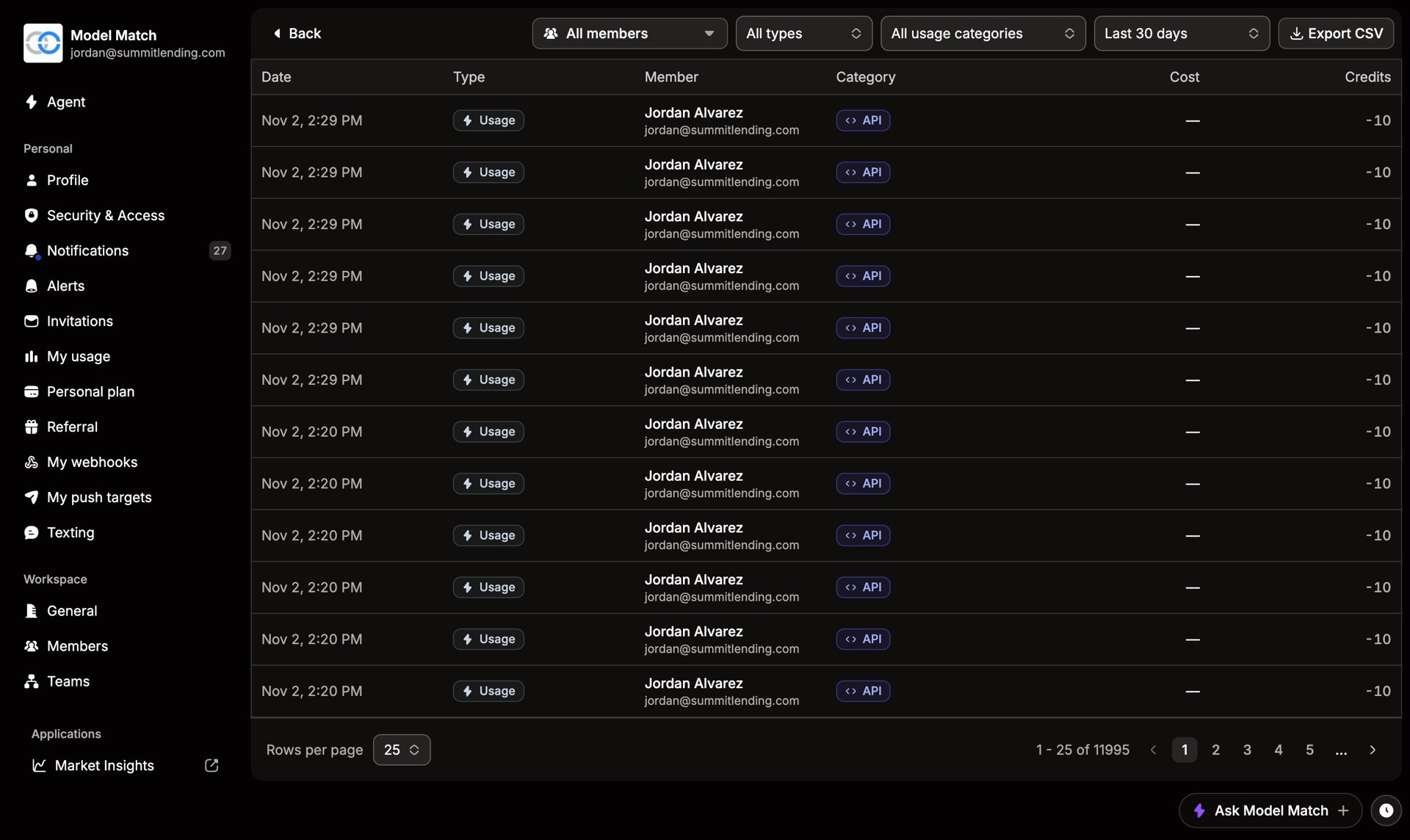
Choose View ledger for every charge, refund, and purchase. Admins can see the whole workspace in Settings › Credit usage.
Daily limits
Each category also has a daily limit on plan credits, shown under Today’s usage. It stops one busy day from using up a month’s allowance. Once you pass a limit, on-demand credits cover the rest, if your workspace allows it.
Buy more credits
Choose Buy credits on My usage. Pick an amount, then choose Workspace or Personal. Larger amounts get a better rate, and you see the total before you pay. Credits are added right away.
Buying for the workspace is set to Admin and above. Anyone can buy personal credits, which are billed to their own card. Either way, you need a card on file first.
Admins can also buy credits for one person from Members. Open their … menu and choose Buy credits. Admins can move credits between people with Transfer credits on My usage.
Never run out mid-task
On Settings › Personal plan, under Auto-purchase, you control what happens when plan credits run out.
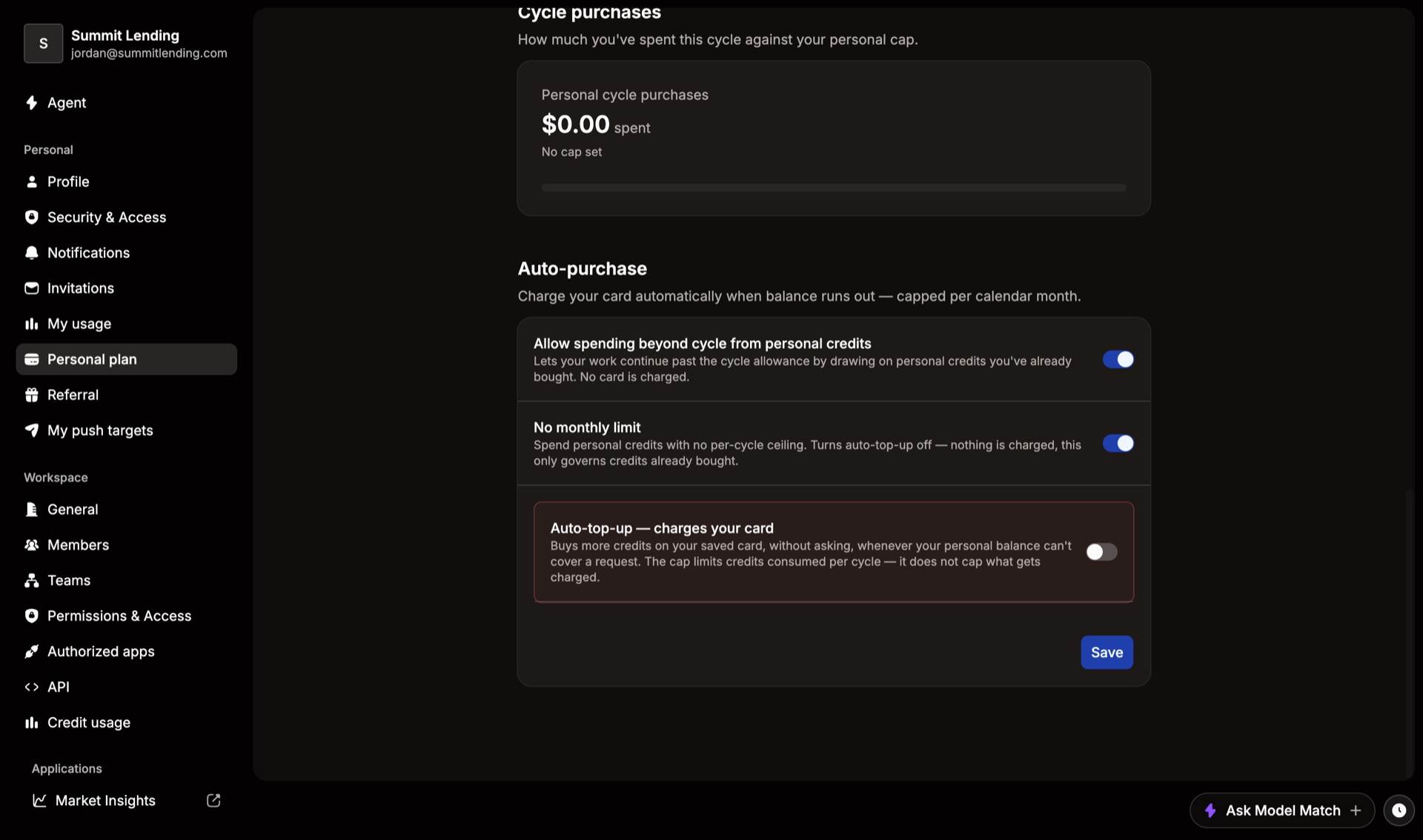
- Allow spending beyond cycle uses on-demand credits you’ve already bought. Nothing is charged.
- Auto-top-up buys more on your saved card whenever your balance can’t cover a request.
- No monthly limit removes the cap on credits you’ve already bought. It also turns auto-top-up off, so set a cap if you want auto-top-up.
If you do run out, the task pauses and keeps its place. Add credits and it picks up where it stopped.
Common questions
Do credits expire?
Plan credits reset every billing cycle and don’t roll over. On-demand credits, the ones you buy, never expire.
Why did my on-demand balance go down?
Your plan credits ran out, or you passed a daily limit, and spending beyond cycle is on. Check View ledger on My usage to see each charge.
Can a Member buy workspace credits?
Not by default. Members can buy personal credits on their own card. An Admin can change this on Permissions & Access.
How do I stop one person from spending too much?
Set a per-member cap on on-demand spending from that person’s page in Members. Members can also cap their own spending on Personal plan.
Do this another way