Your plan sets which features and limits the whole workspace gets. Admins and Owners manage it in Settings › Billing.
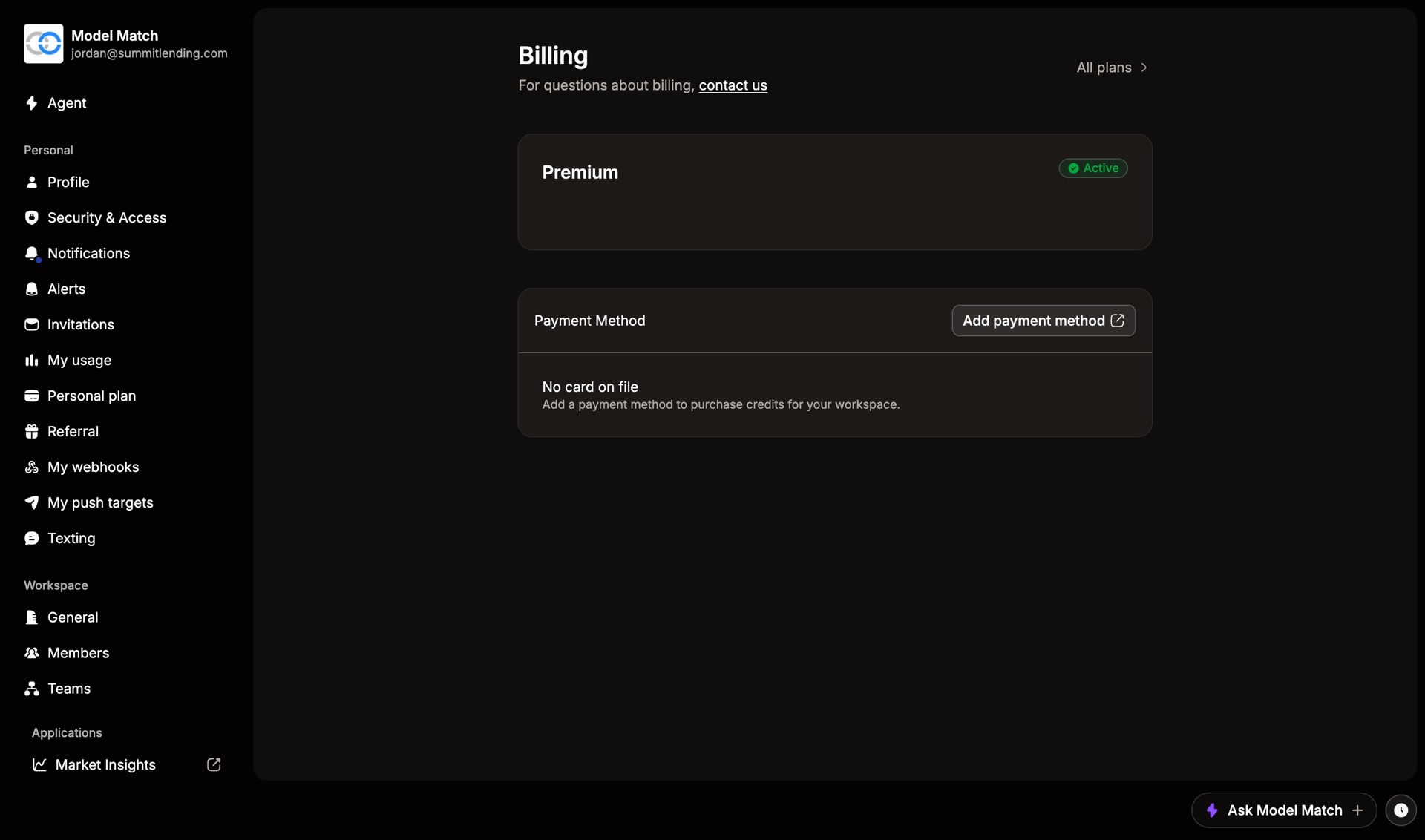
The top card shows your plan, its status, and when it renews.
On a custom or Enterprise plan, the Billing page shows only your plan name. Contact your Customer Success Manager to make changes.
Upgrade or change plans
Open Billing
Go to Settings and choose Billing.
Choose All plans
It’s in the top right. You can also use Compare Plans on the page.
Pick a plan and confirm
The new plan applies to everyone in the workspace.
Cancel
Scroll to Danger Zone on the Billing page and choose Cancel Plan. You keep access until the end of the billing period you’ve paid for. Until then, you can restore the plan from the same page.
Common questions
A feature I expected is missing
Check that your plan includes it. If it does, check your role.
What happens to credits if I cancel?
Credits are separate from the plan. See Credits.
Where are my invoices?
On the same page. See Payment and invoices.
Do this another way