
Claude
Connect the Model Match MCP server to Claude.ai, Claude Desktop, and Claude Code.
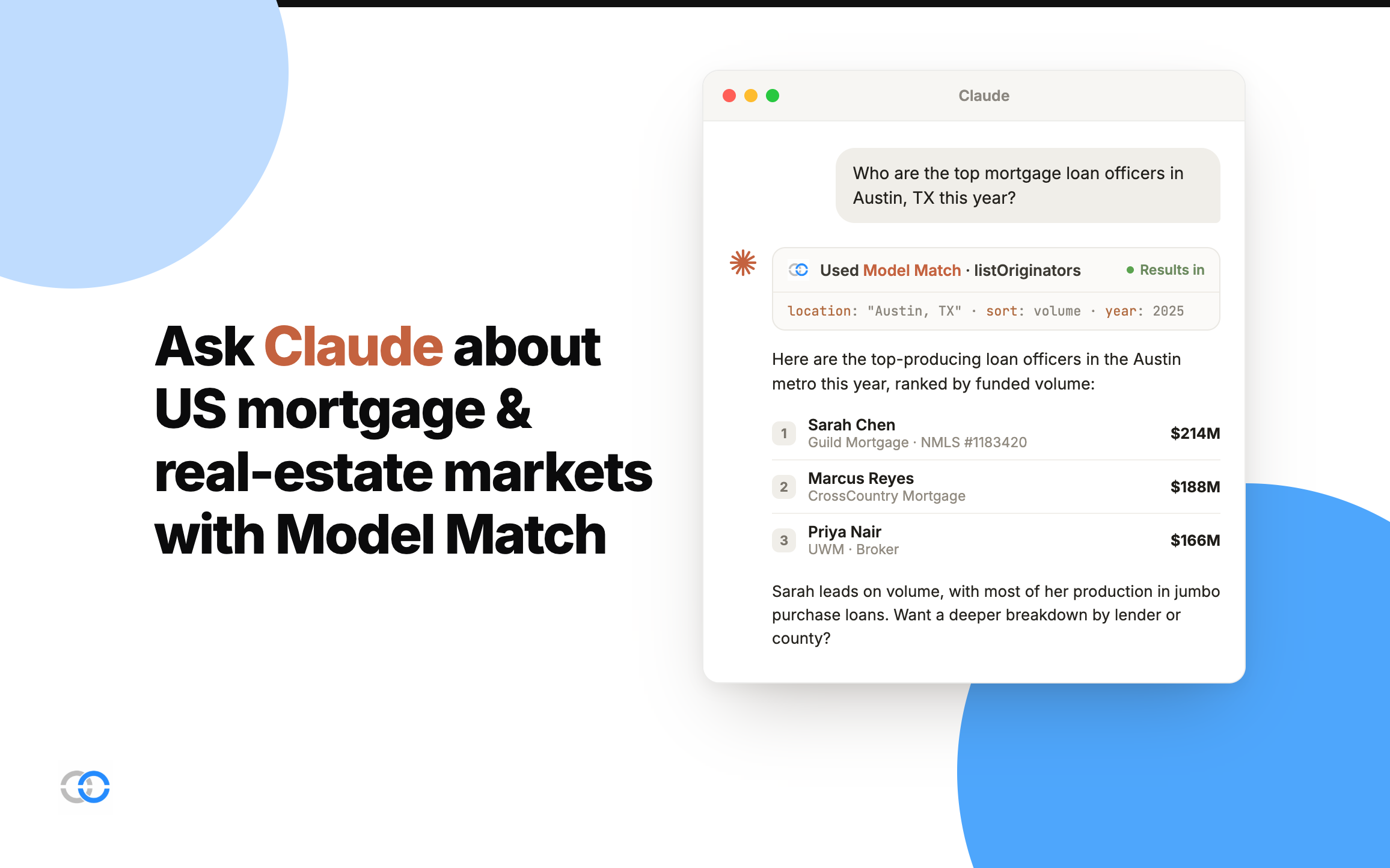
Claude supports MCP servers as custom connectors across the web app, desktop app, and CLI. All of them connect to the same Model Match server URL and authenticate with your Model Match account via OAuth — no API keys or config files required for the apps.
https://mcp.modelmatch.com/mcpClaude.ai (web)
- Open Settings → Connectors (requires a Pro, Max, Team, or Enterprise plan).
- Click Add custom connector.
- Set the name to Model Match and paste the URL
https://mcp.modelmatch.com/mcp. - Click Add, then Connect and sign in to Model Match when the authorization window opens.
- Start a new chat — open the tools (+) menu and you'll see the Model Match tools ready to use.
Claude Desktop
- Open Settings → Connectors (a paid Claude plan is required for custom connectors).
- Click Add custom connector.
- Name it Model Match, paste
https://mcp.modelmatch.com/mcp, and click Add. - Click Connect and finish the Model Match sign-in in your browser.
- Back in a chat, open the tools menu to confirm the Model Match tools are listed.
Prefer editing config? You can also add the server to claude_desktop_config.json directly:
{
  "mcpServers": {
    "modelmatch": {
      "type": "http",
      "url": "https://mcp.modelmatch.com/mcp"
    }
  }
}
Claude Code
Add the server with the CLI:
claude mcp add modelmatch --type http --url https://mcp.modelmatch.com/mcpOr add it to your project's .mcp.json file so your whole team gets it automatically:
{
  "mcpServers": {
    "modelmatch": {
      "type": "http",
      "url": "https://mcp.modelmatch.com/mcp"
    }
  }
}
When you first use a Model Match tool, you'll be prompted to authenticate via OAuth. Your existing permissions and workspace access apply to every tool call.
Related
- Overview — How the MCP server works, available tools, and auth details
- ChatGPT — Connect the MCP server as a custom connector in ChatGPT
- Other MCP clients — Connect any MCP-compatible application