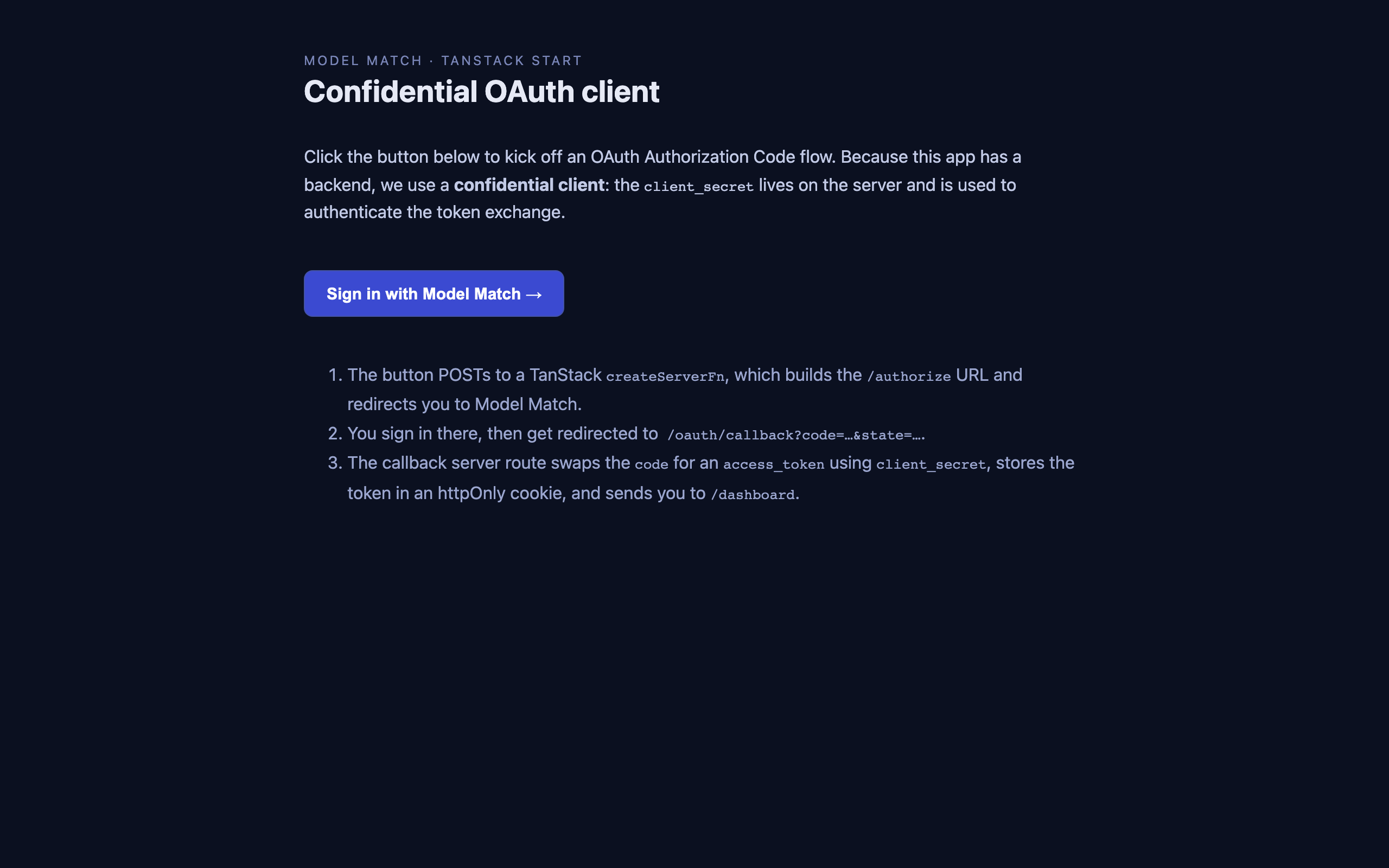
The Authorization Code flow with a client_secret kept server-side — for
apps that have a backend (TanStack Start, Next, Remix, Express…). Tokens are
stored in httpOnly cookies, so the browser never sees the secret or the raw
access token.
Deploy it
TanStack StartOAuth · confidential
Authorization Code with httpOnly token cookies. The server holds the client secret and proxies API calls, so tokens never touch the browser.
Or scaffold locally: npm create @model-match -- --example tanstack-confidential
What you'll need
A confidential OAuth client with a client secret, and its redirect URI set
to your deployed callback. Keep the secret server-side — never prefix it with
VITE_. See Authentication.
Environment variables
| Variable | Required | Notes |
|---|---|---|
MODEL_MATCH_CLIENT_ID | yes | Your confidential OAuth client ID. |
MODEL_MATCH_CLIENT_SECRET | yes | Server-side only. Never exposed to the browser. |
MODEL_MATCH_REDIRECT_URI | yes | Must match a redirect URI on your OAuth client. |
MODEL_MATCH_ISSUER | no | Defaults to https://auth.modelmatch.com/api/auth. |
MMR_API_URL | no | Defaults to https://api.modelmatch.com. |
Run it locally
npm create @model-match -- --template tanstack-confidential
cd tanstack-confidential
npm install
npm run dev
Open localhost:3000 and sign in.